3D Hardware DWG does match the drawing in the Graphics folder
I created new hinges by copying existing ones and changing the information on them. I created new drawings for them in the graphics folder. All the naming principles match. However, the drawing for the product doesn't show the new hardware drawing. For example, I downloaded the blum 71B3780 hinge and created a drawing in the graphics fold named "3D_Hinge BLUM 110 deg Motion Inset"
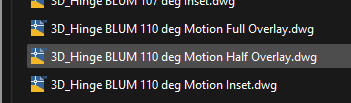
In the look up tables
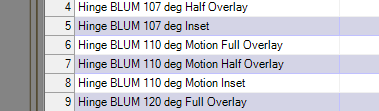
In my material

Everything matches. What vellum draws is a generic concealed hinge. It does this for all the hinges. No matter if its an inset or full overlay. It is not drawing what is in the graphics folder per the hinge name.