Bumped out of place
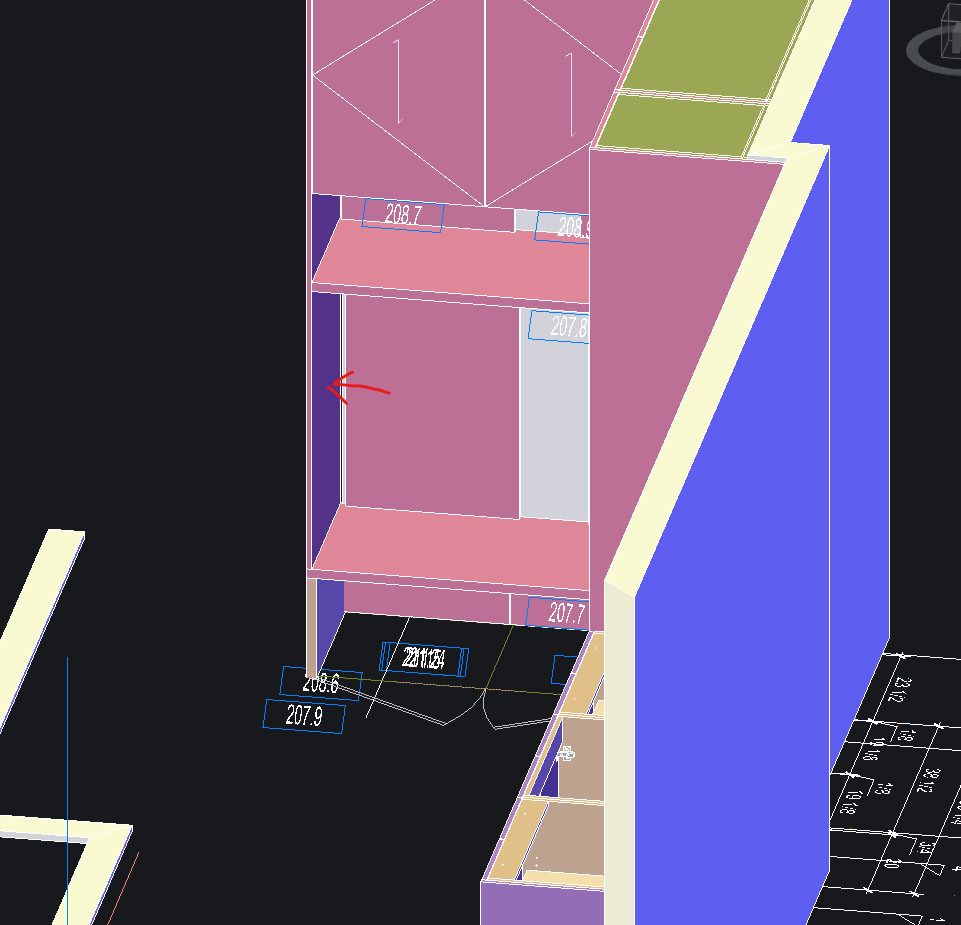
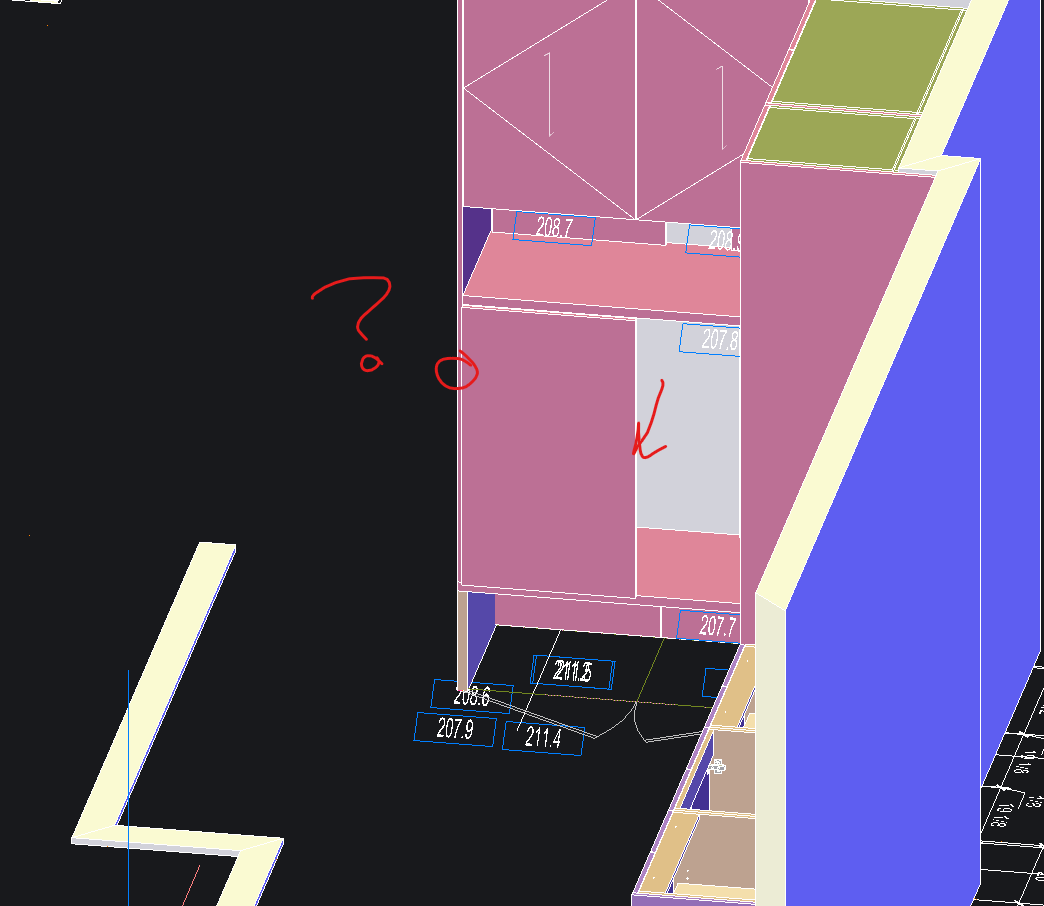
Using the product bump command, it behaves in unpredictable ways. Is this a user error or software?
I got wall panels I want to move against a gable end. Click bump command, select wall panel, select gable and it moves the panel over but also out front. And then generating a 2D elevation, the panels are not in the right place. This is extremely tedious as I have tried redrawing and new ways but the behavior doesn't make any sense.
Is there a best practice to modelling? I find placing a product WITHOUT associate to wall is more predictable but generating 2D elevation is tedious it has to be done one by one manually and place in the right place.