Cabinet numbers gone crazy
I've only recently upgraded to foundation library so I'm not sure if this is just normal, but I'm unsure of how to fix/what's going on. See Below:
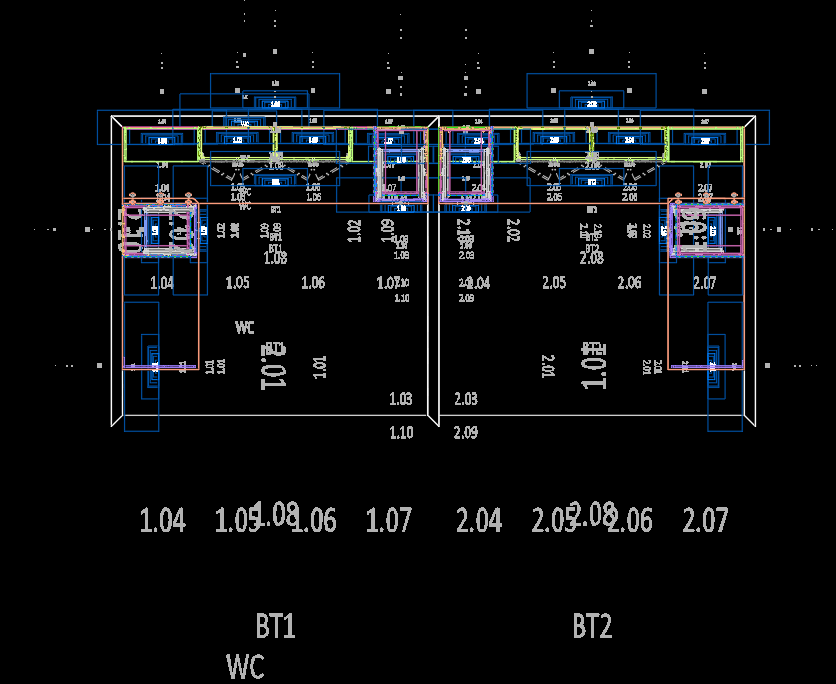
Is it meant to look like this? And then when it's put into paper space it grabs the right scale cabinet number to display. I know it has something to do with annotative scale or something, it's making it very difficult to work in the space and confusing. Is there a checkbox I'm missing or something?
Thanks