Can I stop CAD Dimension Grips from resetting when closing/re-Opening a drawing?
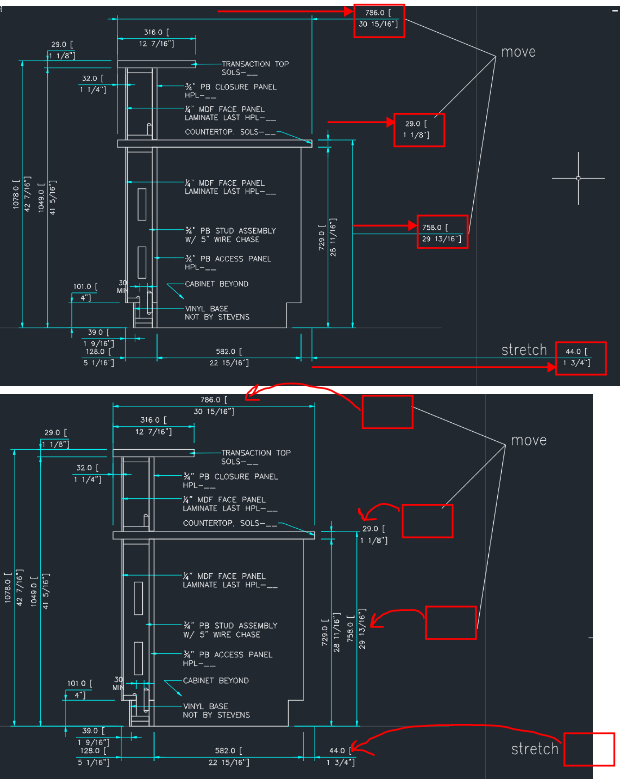
I have tried Googling this and have put in a request to CAD's forum, but figured I'd try here as well. If I move/stretch the grips on CAD dimension text, then save, close, and re-open a drawing, all of them reset themselves back to the original location, which is very frustrating. Below is an example of what it looked like after moving/stretching a few dimension texts, then what it looked like when I exited and re-opened. Is there a way to stop them from resetting automatically?