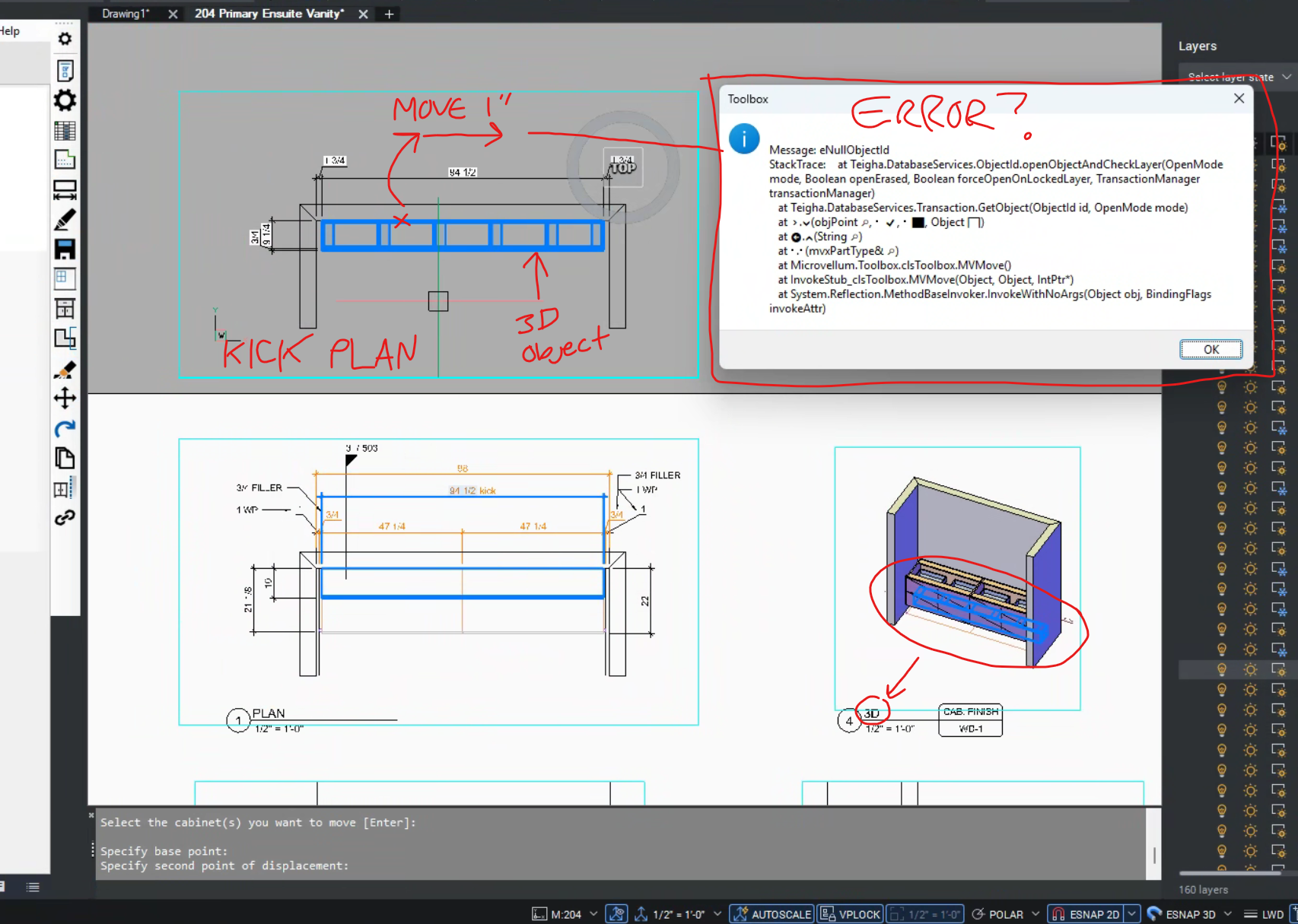
Can't move 3D object in viewport
Odd and annoy behavior when editing in paper space using viewports. Even when a 3D object is selected, it can't be moved. I have to go back into MODEL space to make the move. Is this a glitch? For example, I have the 3D kick isolated in a view port in plan and want to move it over by 1". I use "MV move" but a pop-up message blocks the action. Using regular autocad or briscad command move works at the sacriface of having the 3D and 2D elevation out of sync. Is this a glitch?