Community Accessibility Settings (New Controls)
Have you tried the new Accessibility Settings for our Community? Click the circle icon next to your profile image in the upper-right of the Community header. This will open a panel on the right-side of the browser window.
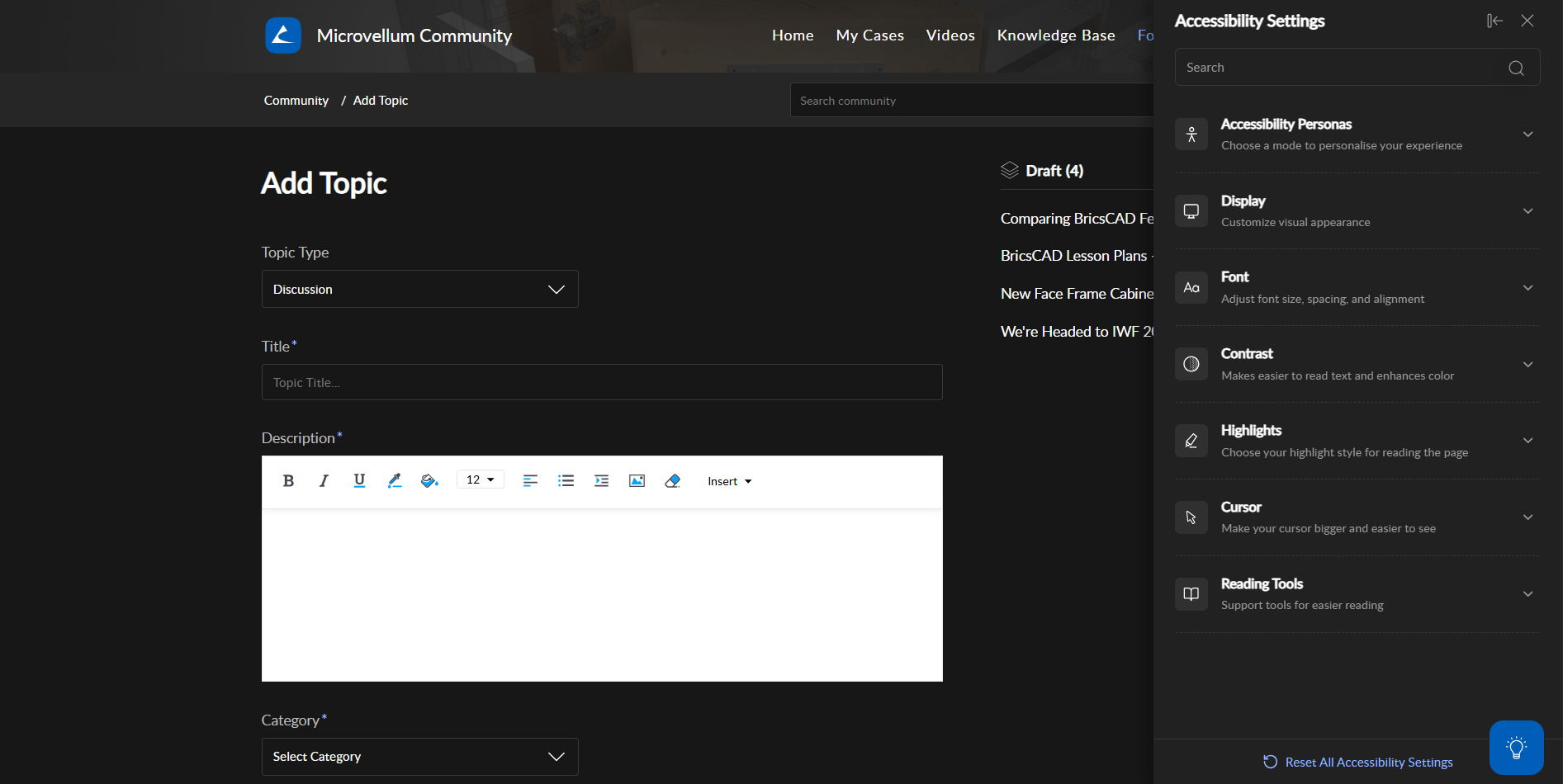
Key Features I enabled:
- Night Mode (Available from the Display section)
- Font-size Scaling (115%)
- Aside Left
- Full Width
There are even more accessibility controls, including ADHD mode, color blindness support, dyslexia-friendly text, seizure-safe mode, contrast adjustments, Select to Speak, and many others.
Enjoy...