Dado Stop Gap setting in Solid Modeling Tools
The documentation says: Dado Stop Gap – This amount adds a gap to the front or back of the dado.
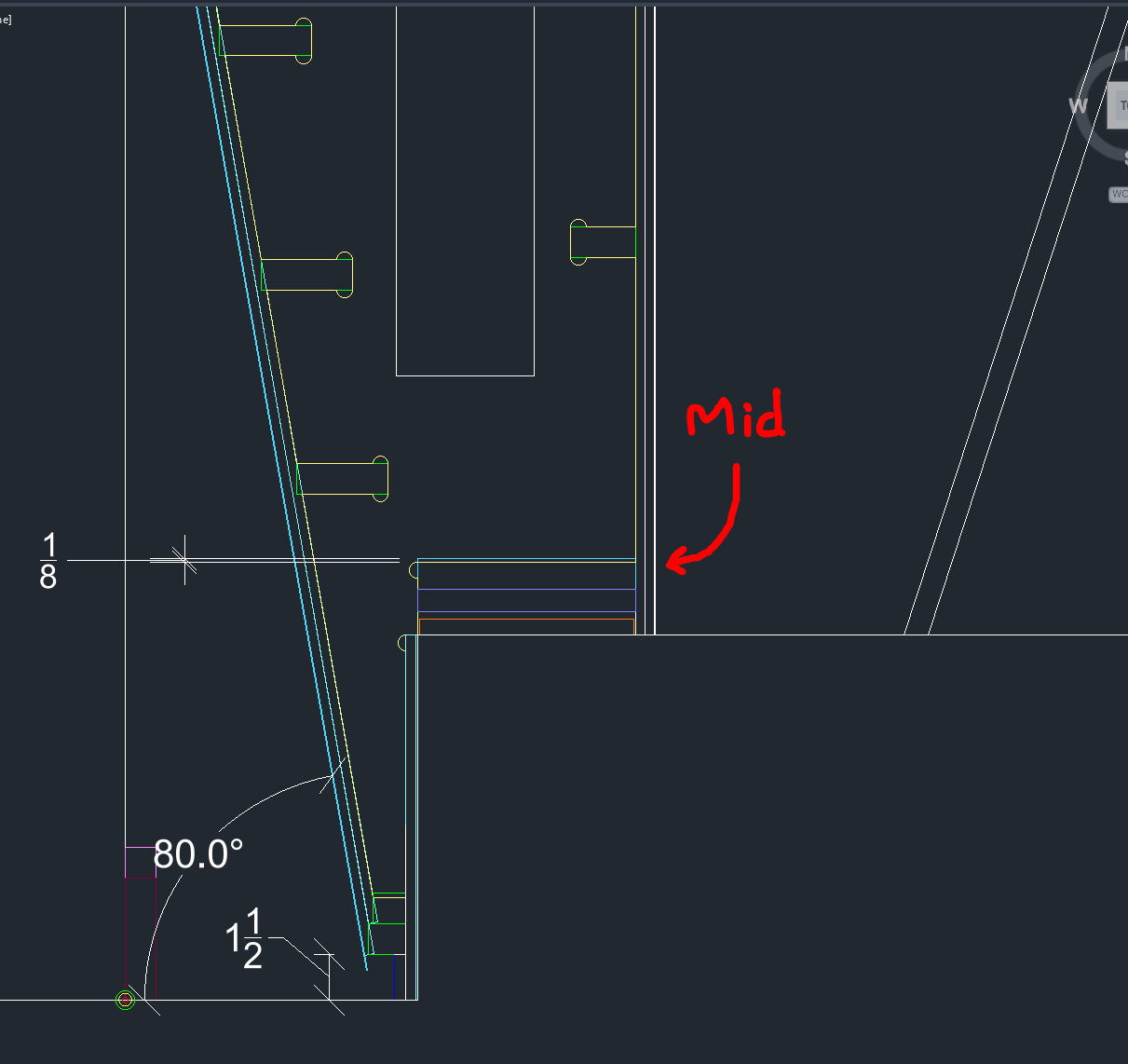
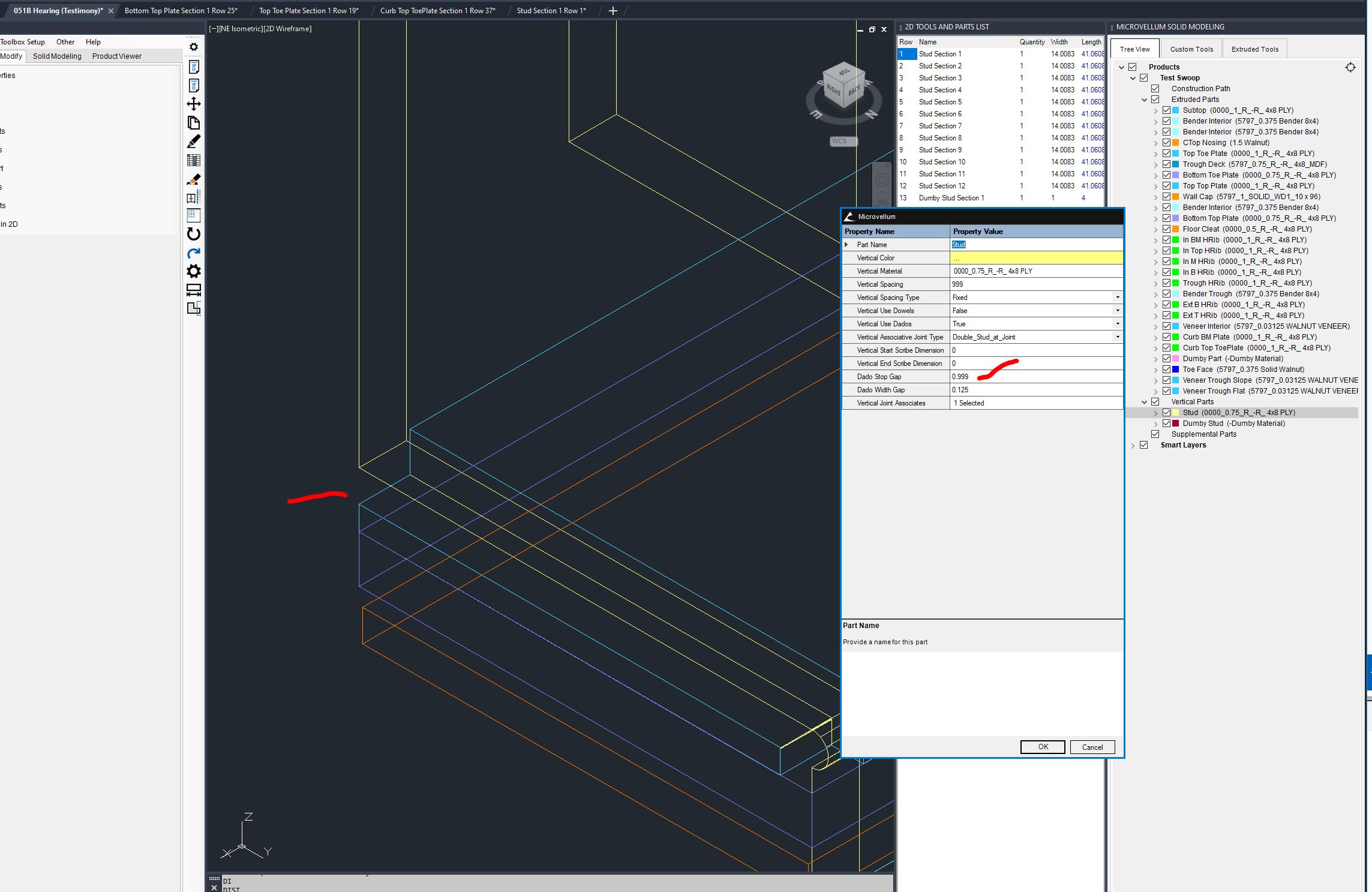
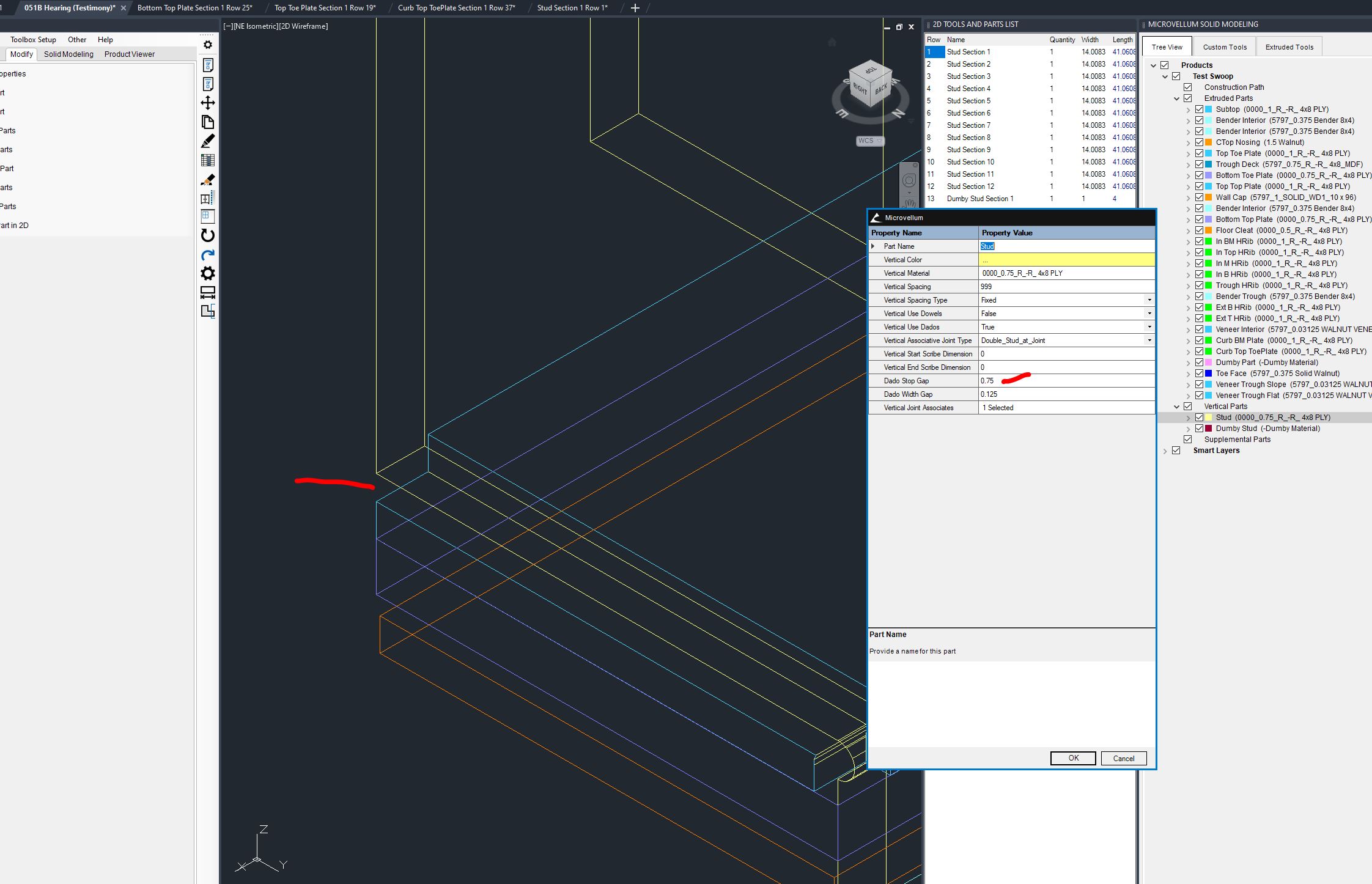
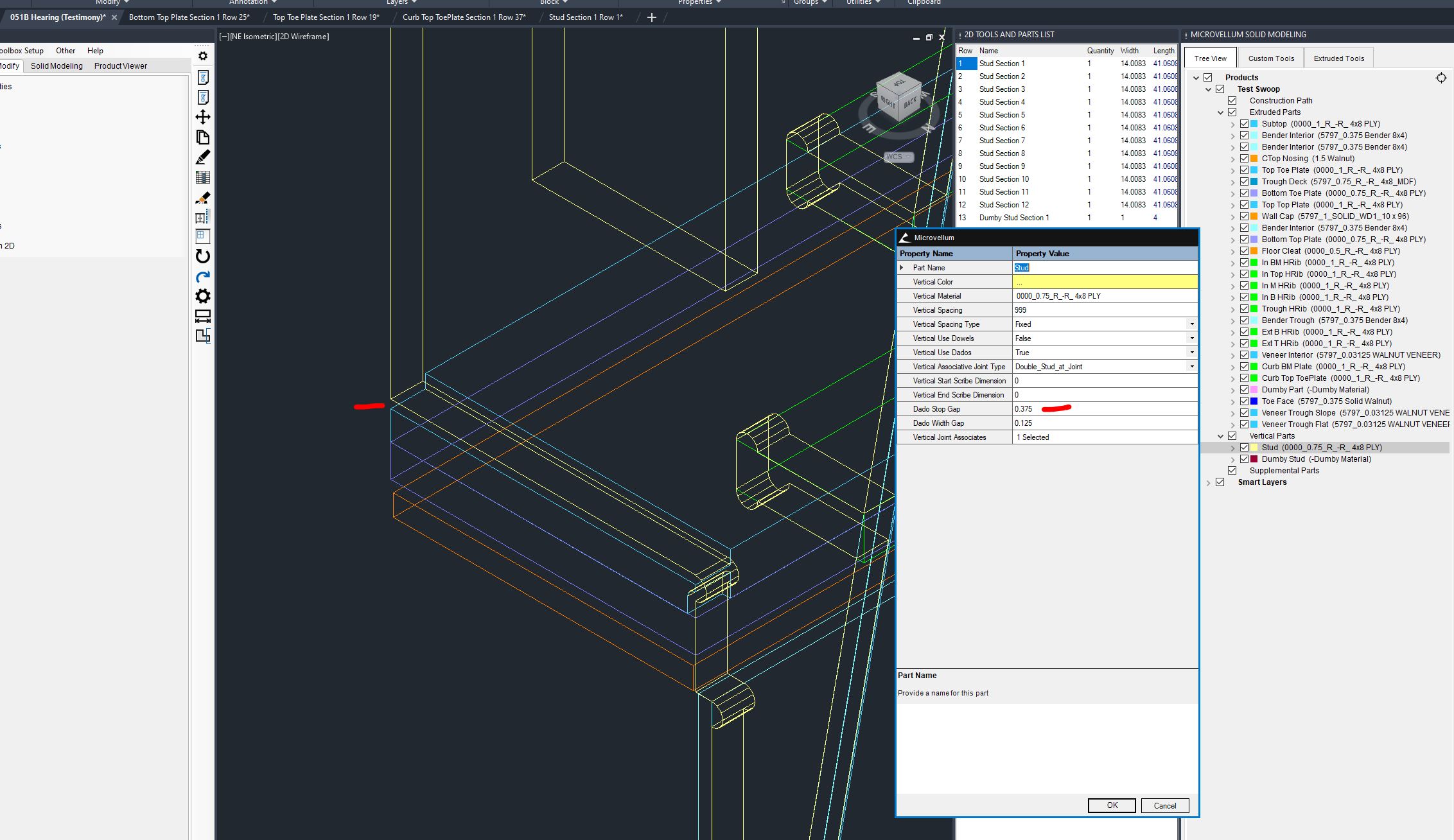
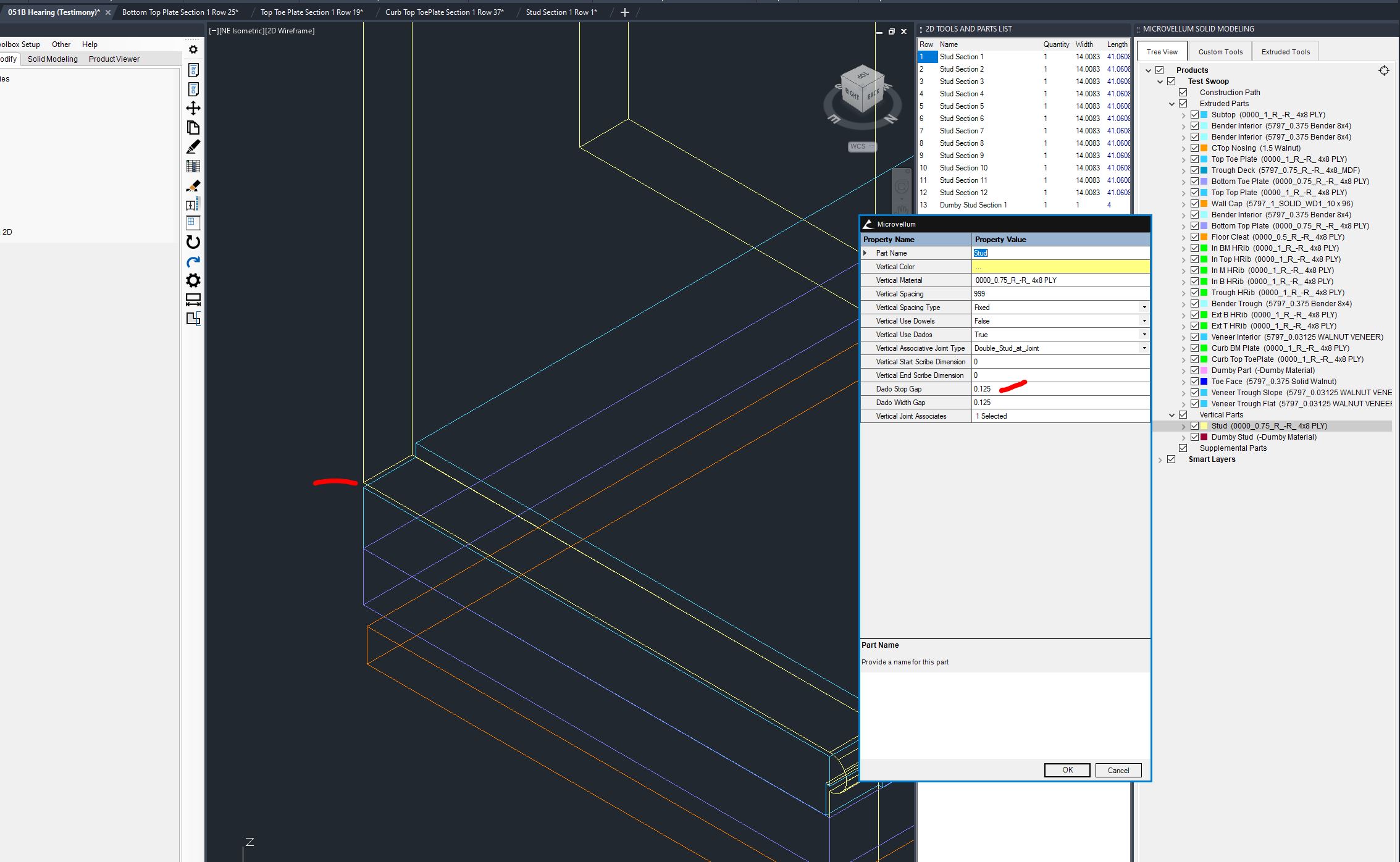
The problem is when you have a vertical entity (a stud) which has a rib that runs horizontal midway through the vertical, the Dado Stop Gap setting is affecting the depth of any associated dado which isn't at the top or bottom edge (ie. mid height).
We have walls that partially sit on curbs in such a way that there are bottom plates that actually sit mid height on the stud. We end up having dados that are cut too deep and compromise the finish height of the wall because of it. Below is a pic of the section showing the mid plate with what should be an 1/8" deep dado (and pictures of the result of changing the Dado Stop Gap setting). When we set the Dado Stop Gap setting to 0.25" (to fully clean out the dados cut with a 1/2" bit) in Solid Modeling Tools, we end up with dados that are cut too deep. We discovered, that if we tweak the dado stop gap setting, we can change how much too deep the dados are cut... but we can't get the dados cut cleanly, and at the correct depth with the settings as the should be.
This seems to be a bug.