Database problem
I’m experiencing a critical issue with Microvellum related to the database size. I already performed a cleanup of projects and work orders, and I’ve also used the Database Management tools under Options > Utilities, but the problem persists.
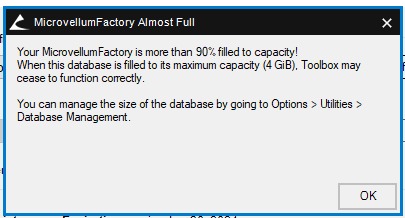
The file “MicrovellumFactory.SDF” is currently larger than 4GB, and none of the actions I’ve tried reduce its size. Since we are using the SQL CE database linked to Microvellum, which only supports up to 3.9GB of data, this limitation is triggering the error messages.
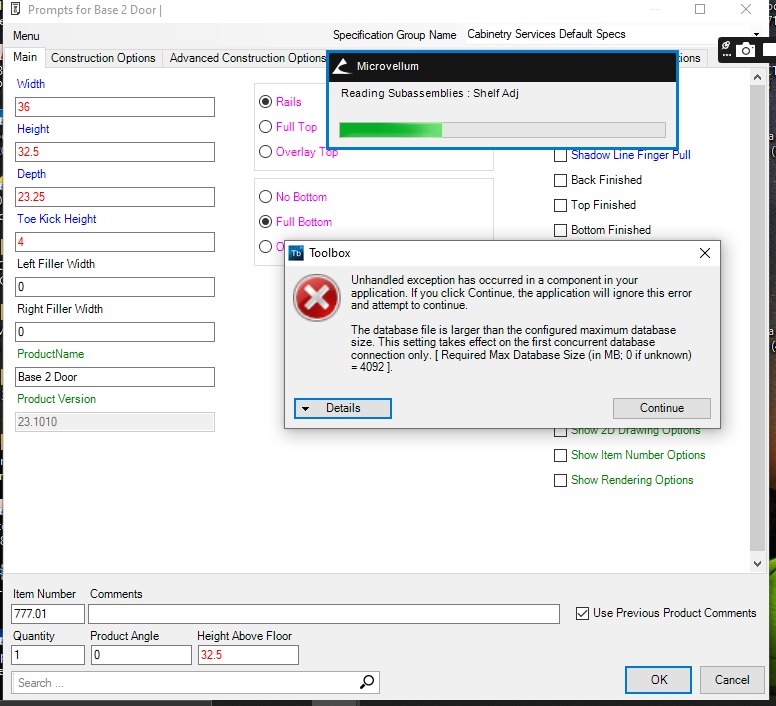
As a result, I now receive the following error (see screenshot attached), and I can no longer continue modeling in Microvellum. Actions such as copying, inserting a product, grouping, or saving products to the library are no longer possible, which prevents me from developing projects normally.
I’ve tried several methods without success—apparently, I don’t fully understand how to properly purge the database. I also don’t know the correct process to migrate to another database format with a larger storage capacity, such as SQL Local.
Please help with any suggestions and thanks in advance.