Draw 2D Part - Wrong Scale
Hey this has been bugging me since BricsCAD launched and I keep forgetting to post a question.
If I have to make custom shaped panel, door or whatever. Before BricsCAD (BBC lol) typically I would draw the shape in the project DWG -> "CopyBase" PLine -> "Draw part in 2D" -> Paste.
It used to come in at the right scale. Now it comes in teeny tiny and not even to a scale I can identify (I assume it has switched to imperial or something) Example below:
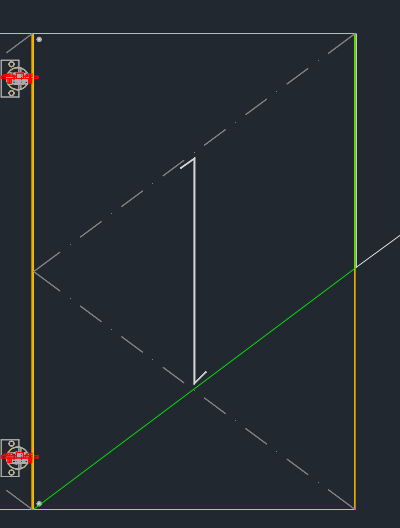
Green line is the desired cutline
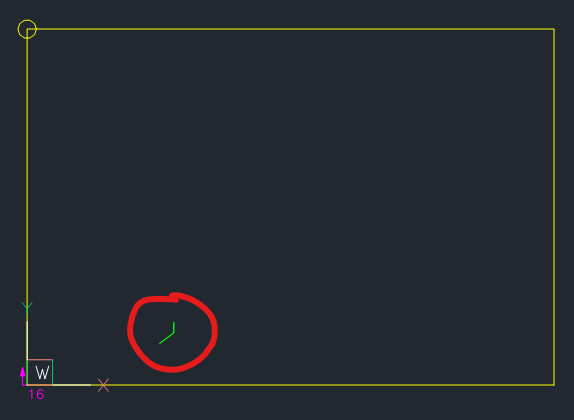
This is the size of PLine after pasting.
Any ideas on how to fix this? Is this happening to anyone else?
Thanks fam!