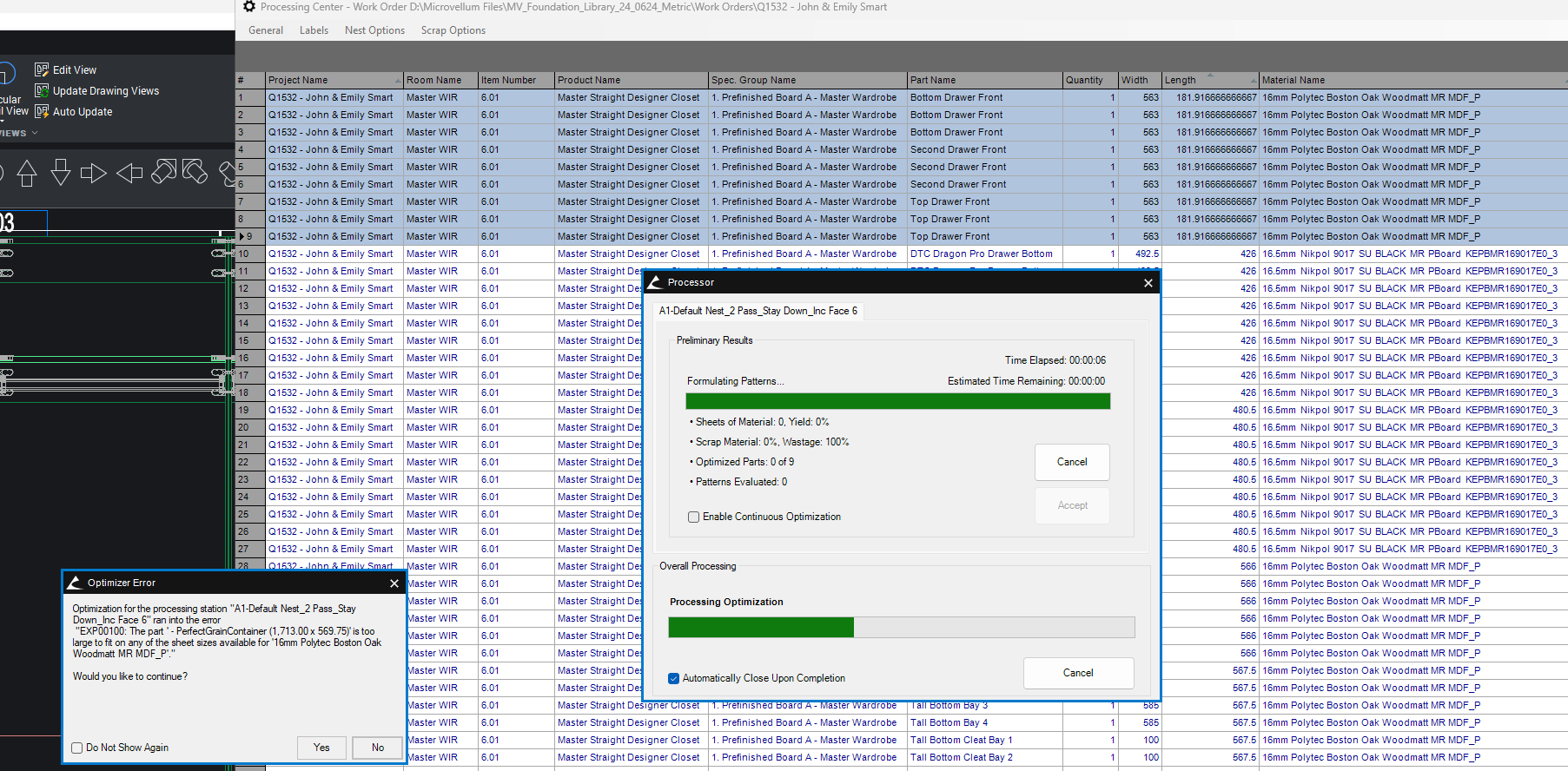
"EXP00100" PerfectGrainContaner (1,713x569.75) is too large to fit on any sheet.
Library 25.0813
Product Master Straight Designer Closet
I can't seem to get rid of this "EXP00100" PerfectGrainContaner (1,713x569.75) is too large to fit on any sheet.
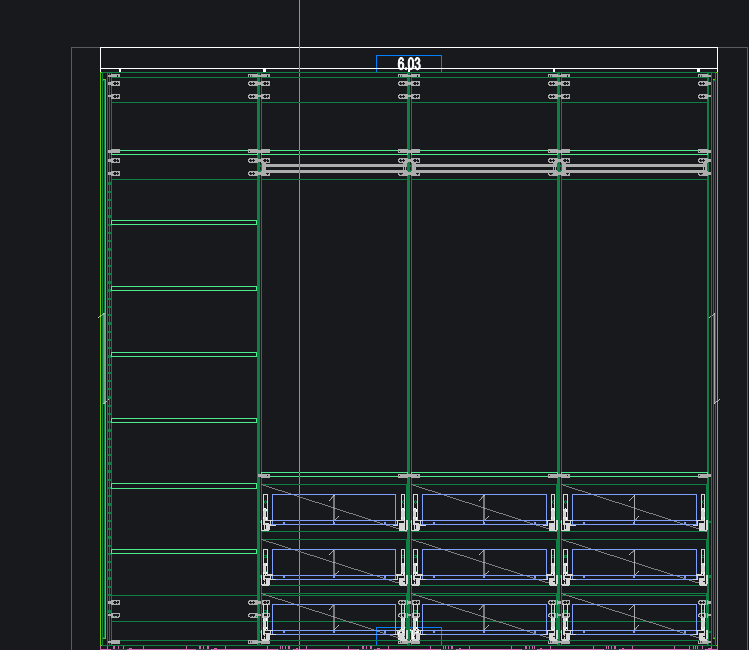
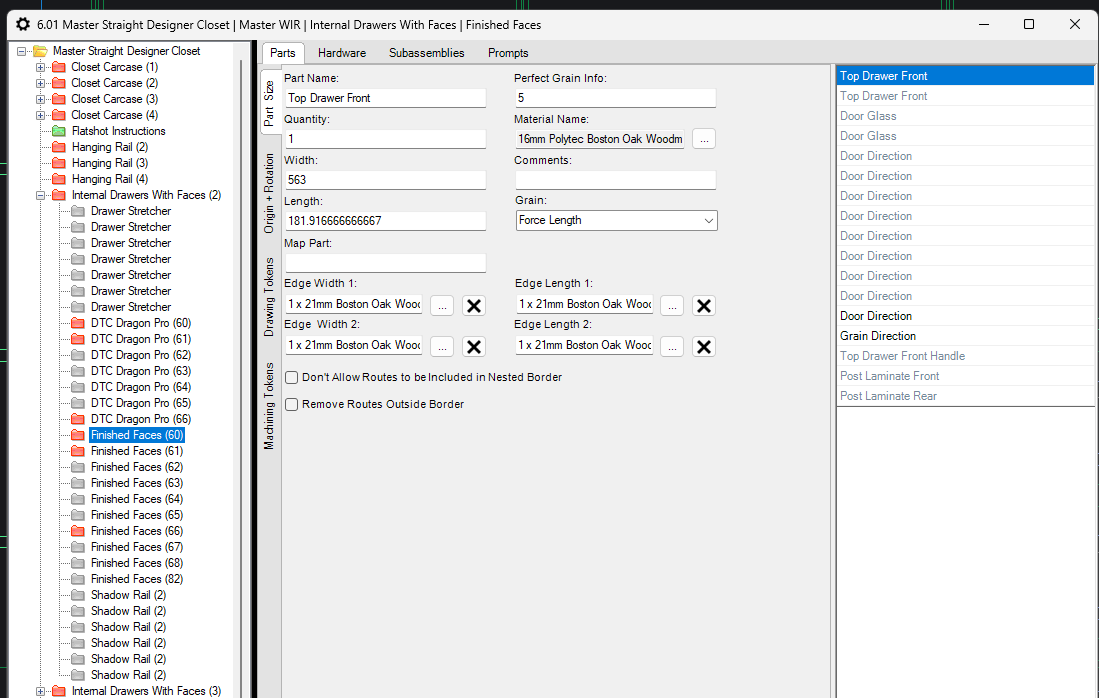
As in the picture below there is 3 x bank of drawers and I'm only wanting perfect grain on each bank. I have the global unselected (not ticked) so not to try and match across the LH/RH drawer banks but this error just won't go away.
I've selected seperate containers for each bank - LH Set #5, Mid Set #6, RH Set #7.
Tried in part properties perfect grain info: placed seperate numbers for each bank.
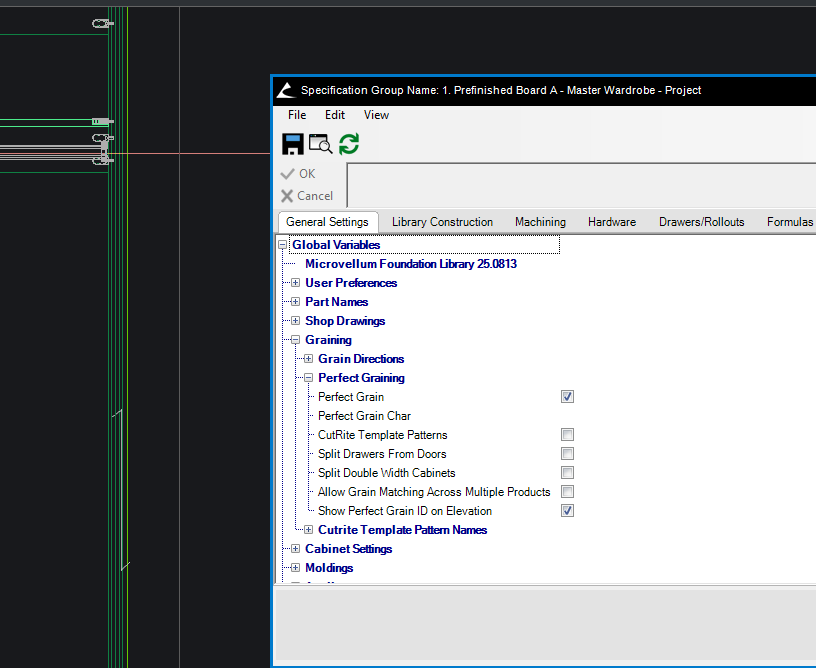
The global of perfect grain container accross multiple sheets is ticked off even though this is for multiple products #100.01, #100.02 etc...
Unticked perfect grain in global - still given the error
For some reason MV is trying to match the grain accross the 3 x drawer banks in this one product but can't seem to work out how to remove this.
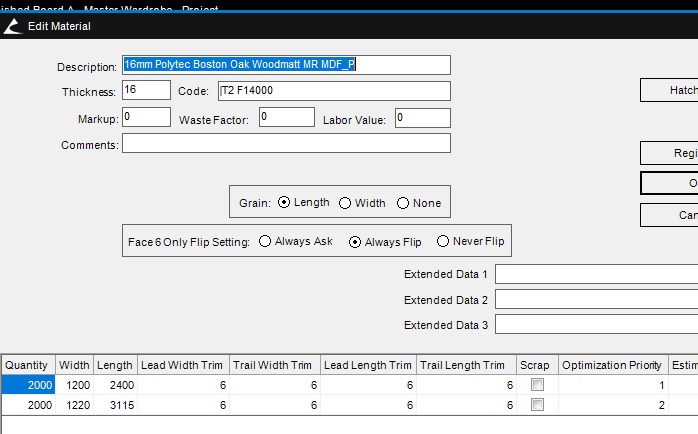
Material Sheet sizes 2400 x 1200 & 3115 x 1200