Force attach materials to a appliance
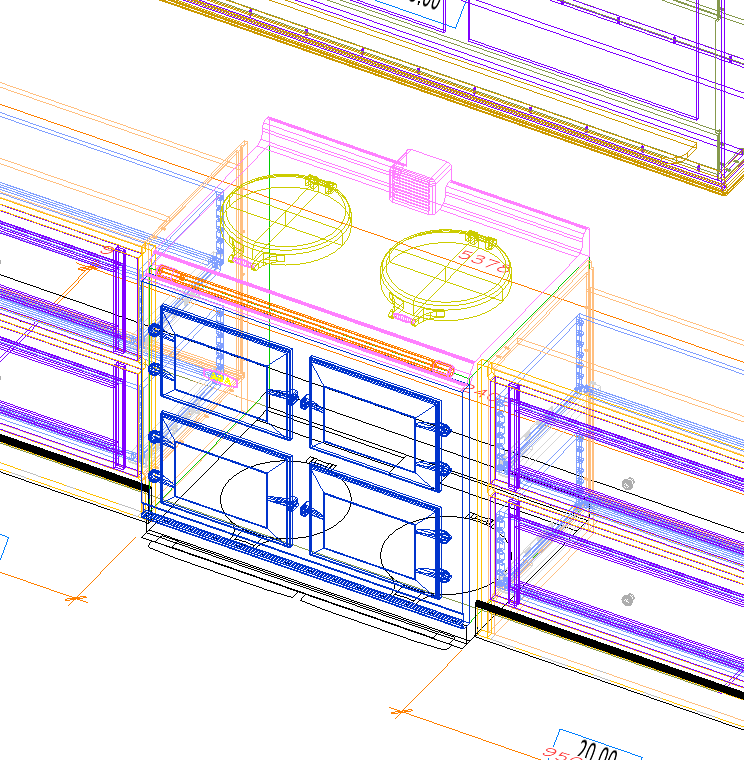
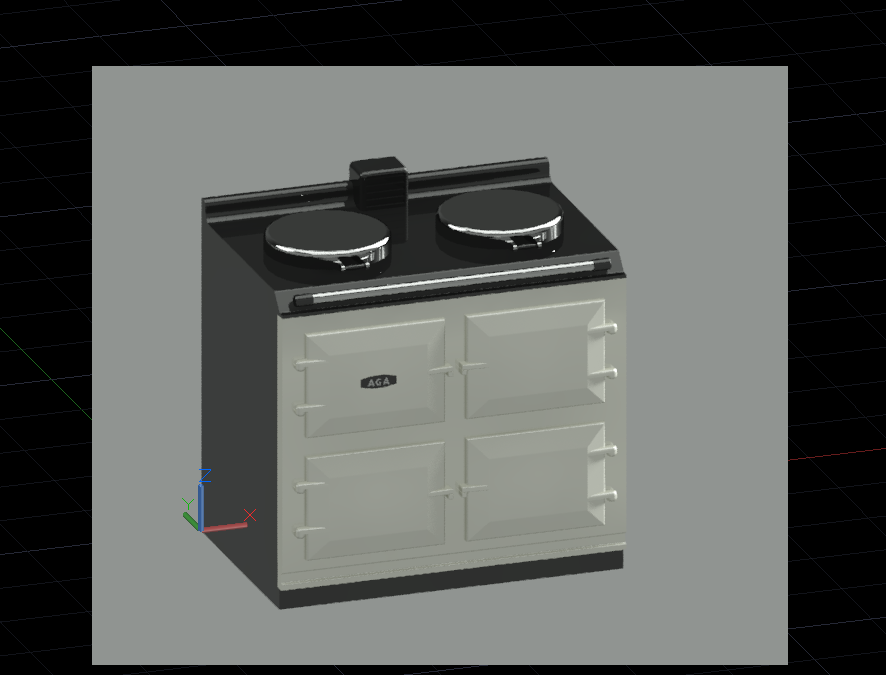
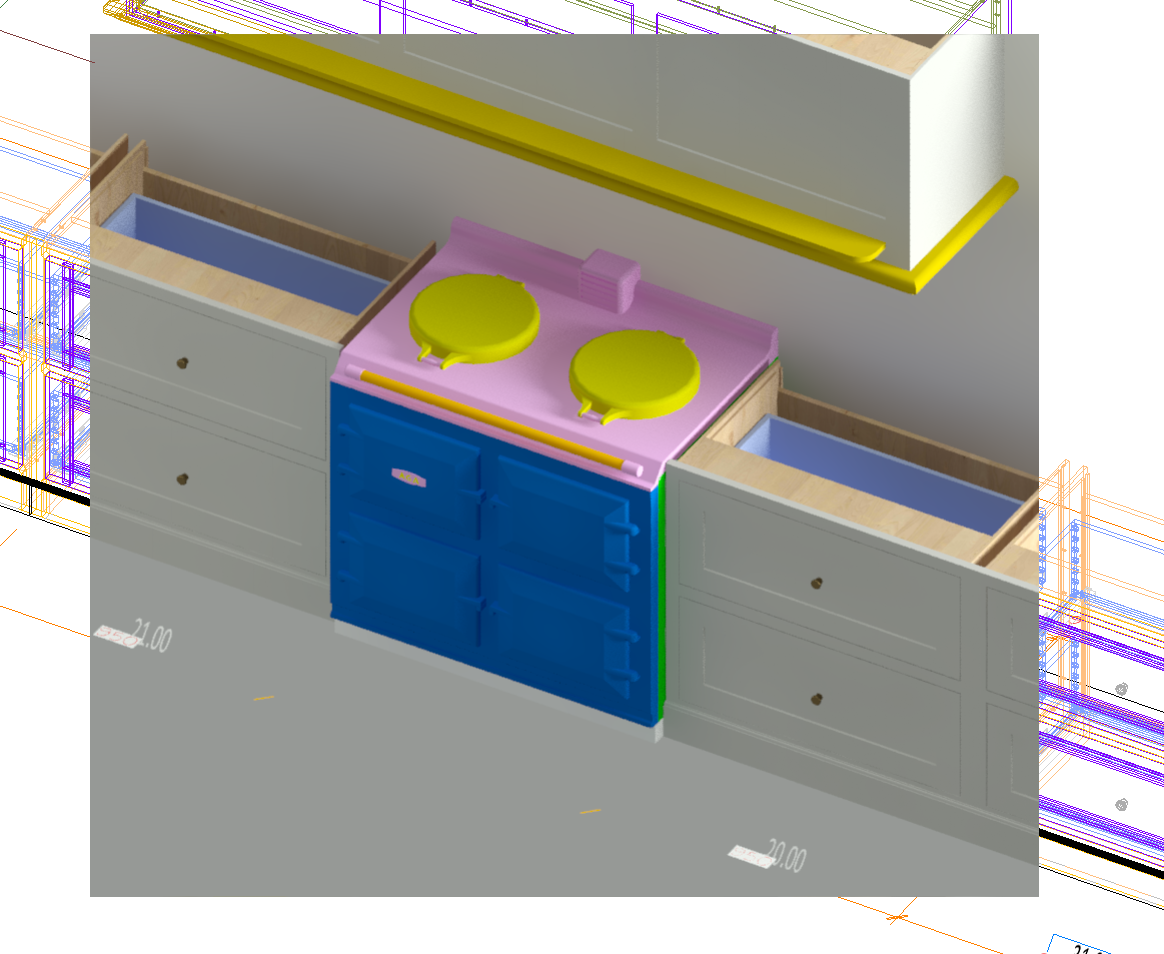
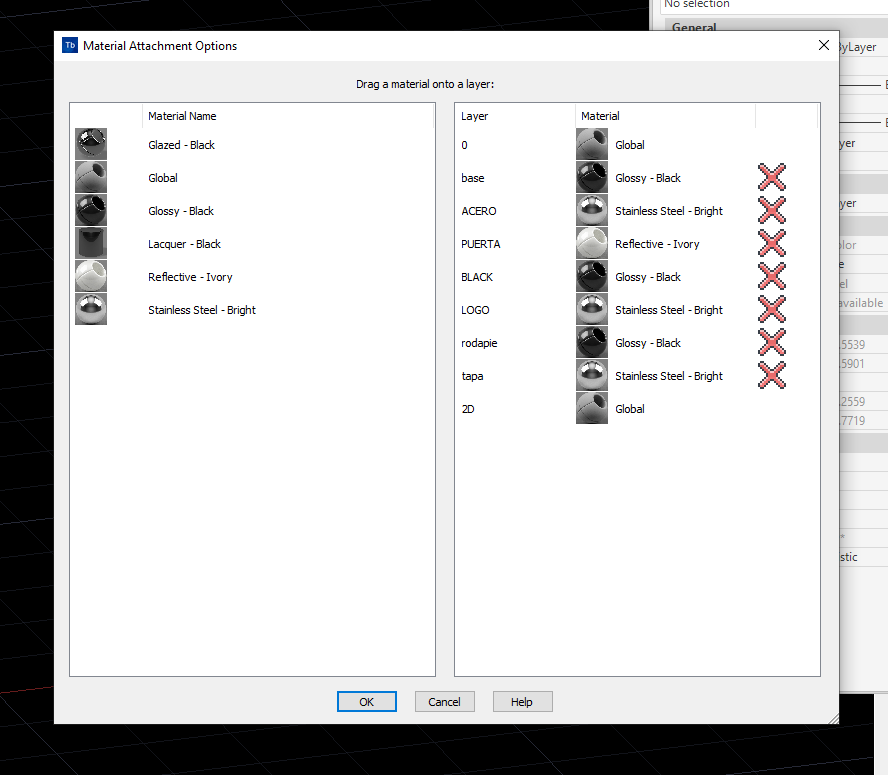
How do i go about forcing the materials i have attached to the base drawing for a appliance, in this case an aga, that is not built into MV by default but is now in the system by me. However no matter what i try i cant get the materials stick to the layers when the appliance is used and placed into a project? Its always overwritten. I dont want to setup our drawing template default to have loads of more random layers, as i plan to add fair few other appliances from other brands who you guessed it with have other layer names etc.
I thought by attaching the material to the layers at the appliance drawing level, avoiding all of Microvellums parts that it would keep it in tact, but that doesnt appear to be the case. What am I doing wrong?