If Statement based on type of drawer front
Id like to change the global variable to a if statement so the drawer handle changes position based on what style the drawer front is. the global is G!Drawer_Handle_distance_from_top, essentially id like it so if the drawer front turns into a 5 piece with panel, then the size would be 37.5. If the Drawer front is a slab, then it would be centered, as per the global G!Center_drawer_Handle, which =1 im assuming one can overide the other based on this i'm just not sure how.
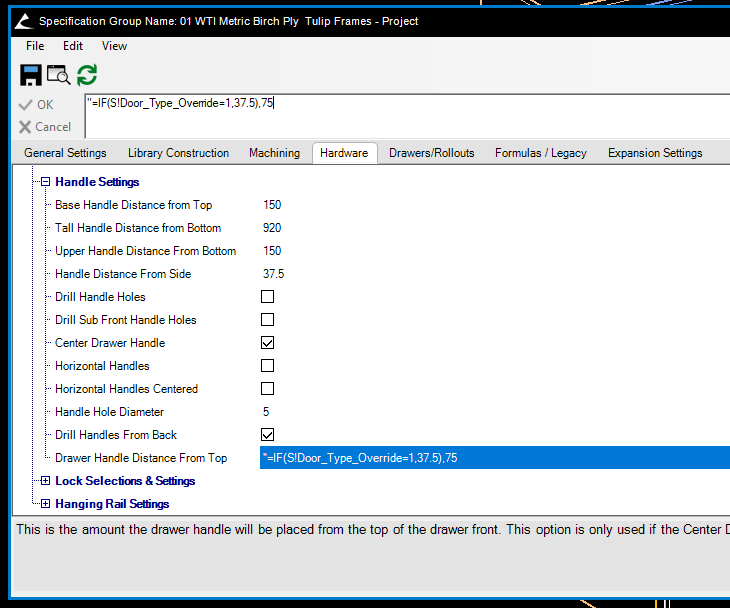
Ignore my starting attempt at the formula in the box, but that door type overide i figured was a good starting point to say whether the door has converted or not.
EDIT***
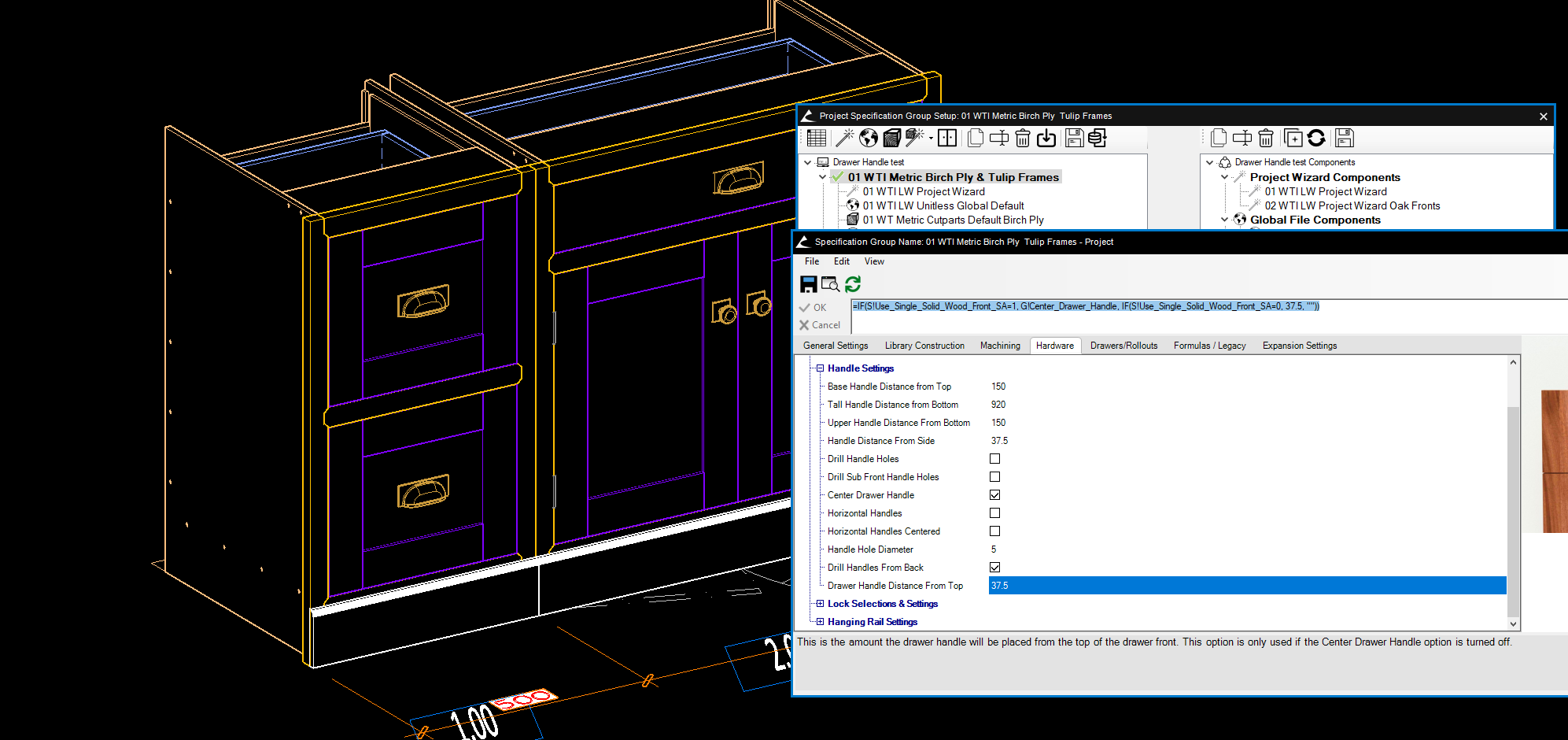
In threory i think this should work but it doesnt seem to be =IF(S!Use_Single_Solid_Wood_Front_SA=1, G!Center_Drawer_Handle, IF(S!Use_Single_Solid_Wood_Front_SA=0, 37.5, ""))
In the screenshot, i want the handle on the 5 piece door to be on the top rail
EDIT again realised my error so changed it up slightly. Works with this except for on a tall unit, even though it appears to be reading identically the same information
=IF(S!Use_Single_Solid_Wood_Front_SA=1, S!Height/2, IF(S!Use_Single_Solid_Wood_Front_SA=0, 37.5, ""))