Is there a systematic way to straighten out/clean up a file?
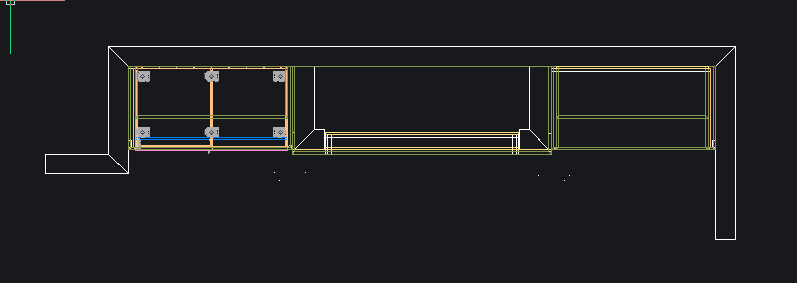 This is how I want it to look.
 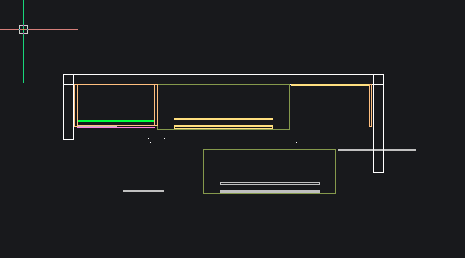 This is what my 2D Plan drawing is making. (This go around. It was different last week)
New user here. I've been working on a wall with a base cabinet and shelving and fillers and panels and some non-standard things like a TV niche and fireplace niche (Some of that just illustrated in CAD). It's taken me two weeks to get it all situated just as needed, but during the way I have made a lot of mistakes and deleted stuff and moved things around. So now when I got to draw my Plan, Elevation and Cross section I'm just getting a mess. I think it's pulling invisible stuff and placements from the database. I want it all to look as I have it in my model, but I don't even know where to start to clean up some of the extra stuff and get things to show up that aren't.
I think one thing that would help, but doesn't appear to be a thing, is when you select a product in the product viewer it would highlight on the model. That way I could move down the list and verify if those things are in the model and are in fact in there and being used.
I thought about just starting over but when I realized how many small changed (like Countertop overhangs, and panel setbacks, etc.) I realized it's just going to be too much and this thing was due last week.
Any help greatly appreciated!