Material File UI in Spec Groups change view
Is it possible to be able to change and keep the size of the two columns in the Material File Ui of Spec Groups.
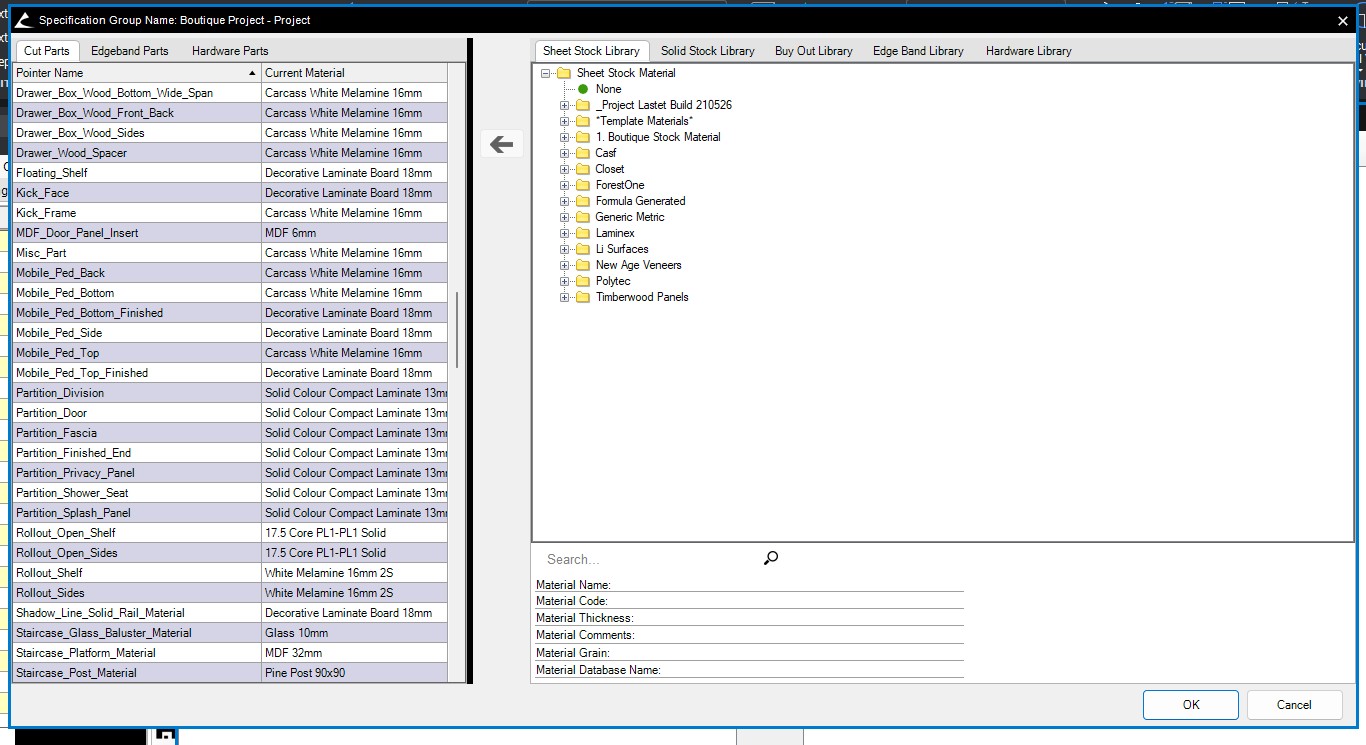
When it's first open the Left side is always smaller then the right. Like 1/3 Left side 2/3's Right Side
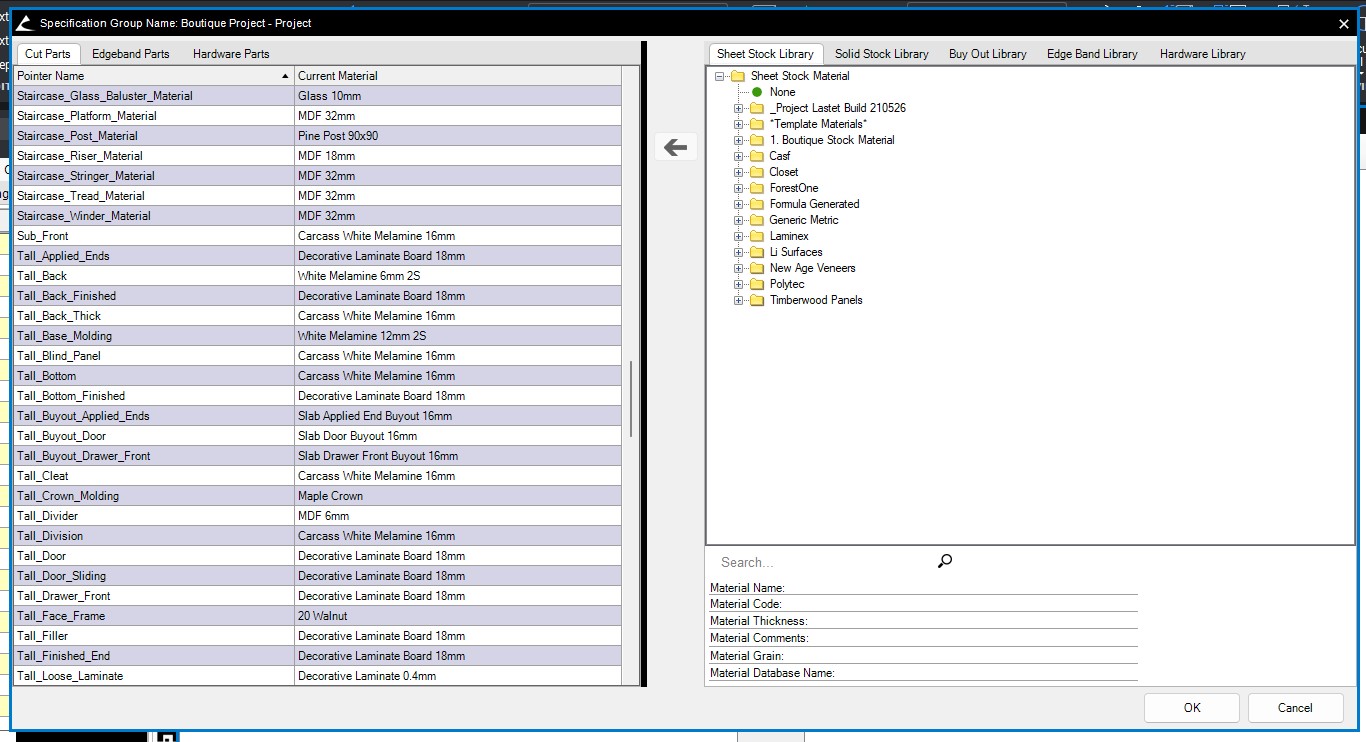
You can drag the center row across to make it larger but it never sticks and goes back to original each time its opened.
Or even that when opened it sizes to at least show the full "Curent Material" name.
First Image is the default when opening the Material File