MITER tokens not showing correcting in Sections
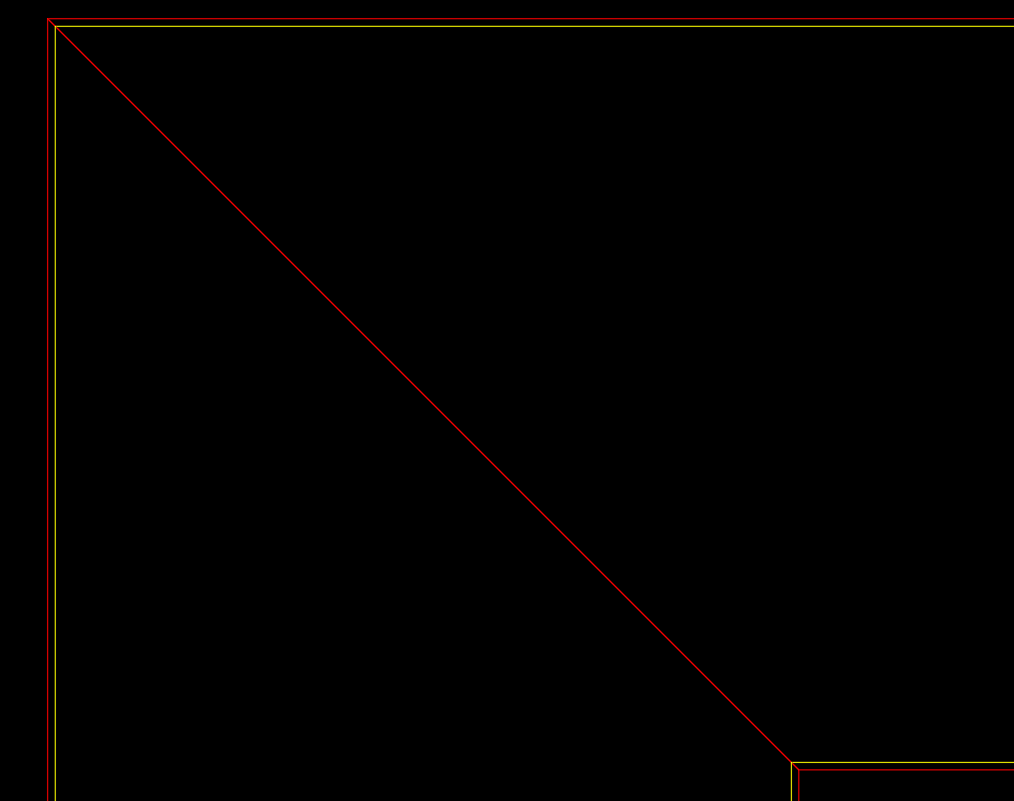
I have a product that shows a mitered drop down edge for a solid surface or other such counter top material. in the below section i have changed the colors to show, the Red lines are the section cutting through the Deck of the top, and the drop down edge. These lines are the correct size and location. Yellow is the finished end in the distance , which is shown in the section, and ONLY in the section, just a HAIR smaller (it changes based on material thickness but for 1/2" its off by .005, for 2cm its off by .007, and for 3cm its off by .0118) It is a tiny amount but it annoys my draftsmen to have to go in and delete these extra lines, does anyone know why they do not draw correctly, and anyway to make them behave?