MVSUBASSEMBLYPROMPTS command not showing the exact subassemblies
Hi everyone,
I just want to ask for help regarding on our MVSUBASSEMBLYPROMPTS that's not functioning just like our other computer with the same Microvellum Toolbox. When we're trying to check the products subassemblies via MVSUBASSEMBLYPROMPTS, It shows completely different tabs from the same product but from different computers, just like the 1st picture and 2nd second picture provided below:
The same SUBASSEMBLY prompts show even when we're trying to click on different parts of the drawers:
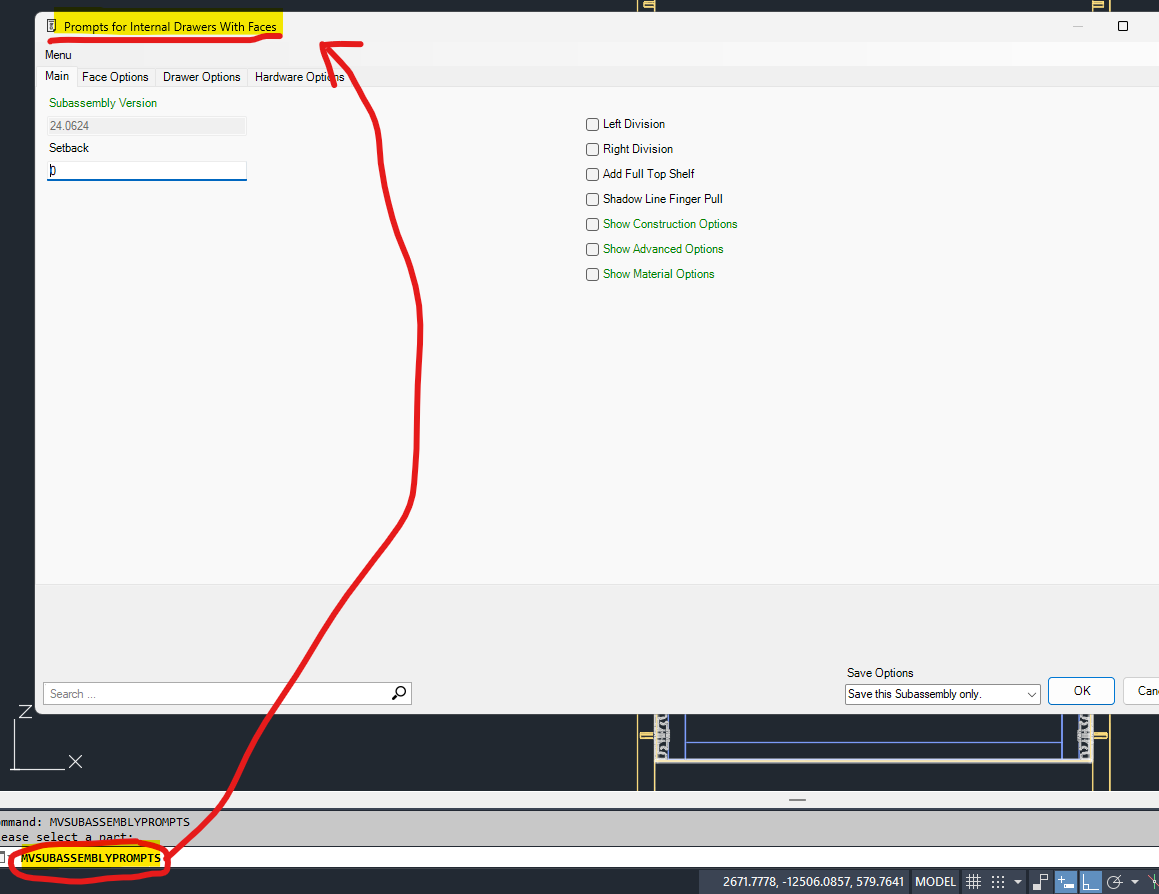
Unlike the other computer, which shows the EXACT SUBASSEMBLY prompts that we need, this completely opens different SUBASSEMBLY TABS depending on the drawer parts that we click and pick (FACES, DRAWER BOX etc.)
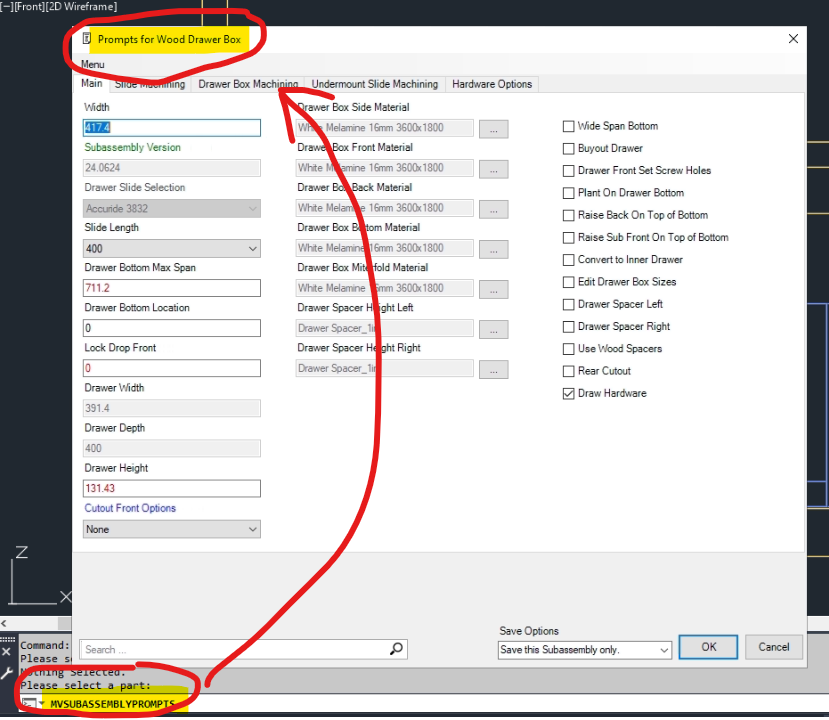
I hope someone can give us a hand with this one as It will really help us a lot. Thanks
I just want to ask for help regarding on our MVSUBASSEMBLYPROMPTS that's not functioning just like our other computer with the same Microvellum Toolbox. When we're trying to check the products subassemblies via MVSUBASSEMBLYPROMPTS, It shows completely different tabs from the same product but from different computers, just like the 1st picture and 2nd second picture provided below:
The same SUBASSEMBLY prompts show even when we're trying to click on different parts of the drawers:
Unlike the other computer, which shows the EXACT SUBASSEMBLY prompts that we need, this completely opens different SUBASSEMBLY TABS depending on the drawer parts that we click and pick (FACES, DRAWER BOX etc.)
I hope someone can give us a hand with this one as It will really help us a lot. Thanks