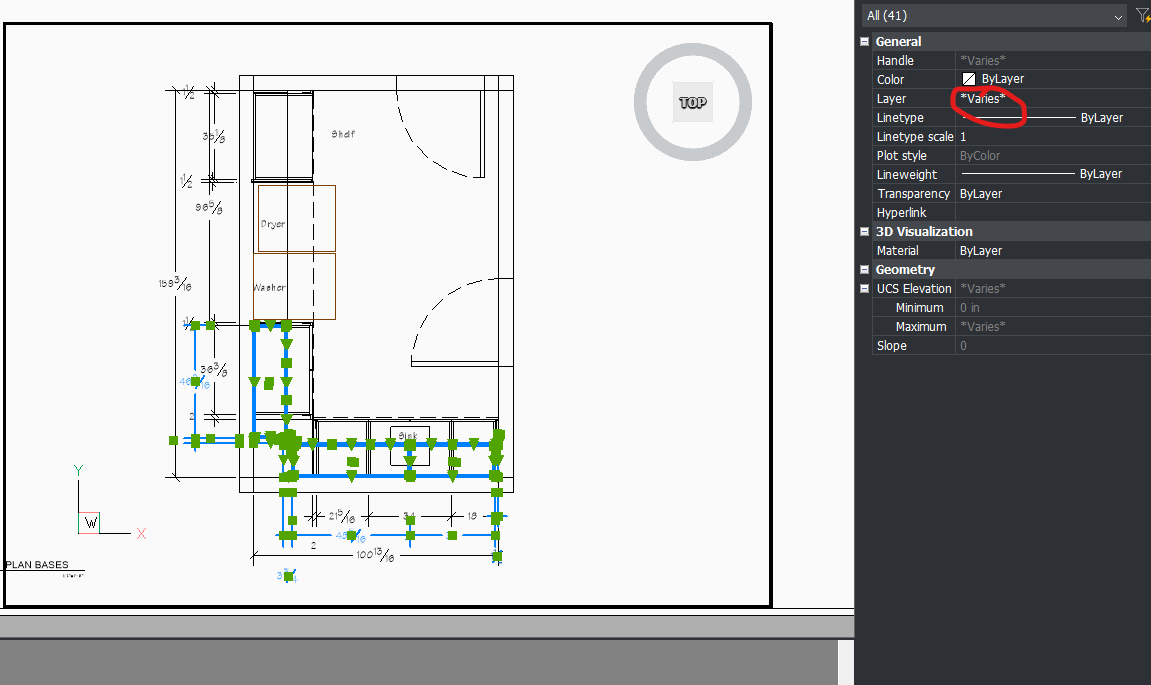
Need to hide uppers on one plan view & then hide the bases on the next
What is the best method to go about this? Previously I was making two different Plan views of the room and greying out whatever set I wasn't focused on, but then that process was breaking the plans from the model.
My coworker said a better way is to just freeze whatever is to be hidden in each particular view port.
The problem is, for example, I have fillers, cabinets, and other things that all need to be hidden so I have to meticulously comb through everything needing to be hidden and freeze that layer in that viewport. HOWEVER, when I hide, say, the filler layer, this will then hide ALL the fillers, even on the base level.
Is there a way to hide all selected in a viewport without changing all the Varied layers?