No more separate plan view products
I updated BrisCAD to Build #25.2.227.641.
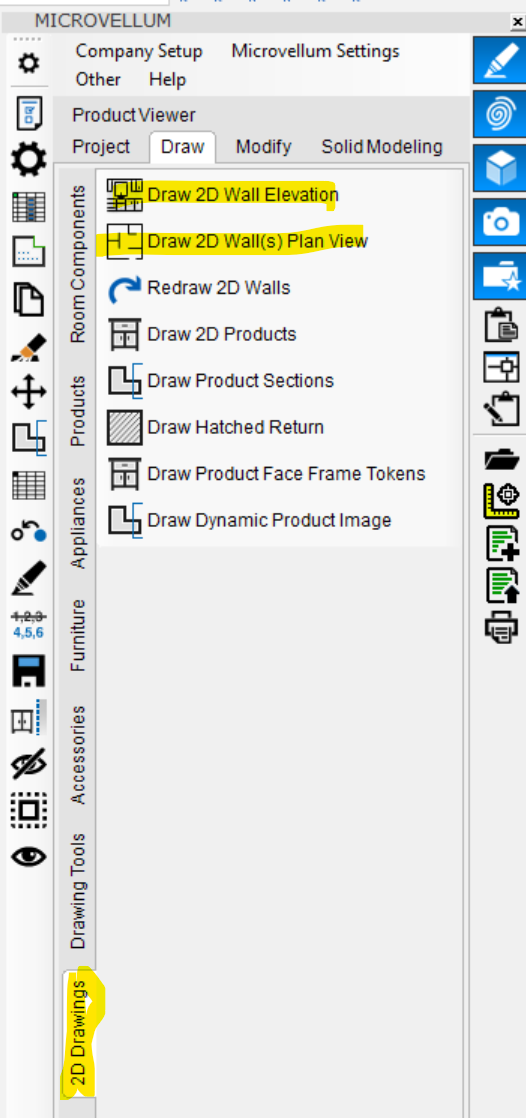
This is how we typically draw a room of cabinets. After drawing the 3D walls, we draw separate plan and elevation views from the 3D wall using 2D Drawings commands (see below screenshot). When we drop a cabinet onto the 3D wall, Microvellum will automatically draw the associated product on the plan and elevation views. Now, Microvellum does not draw the associated cabinet on the plan view. It still does for the elevation view. Microvellum always included the cabinet plan view below the 3D product. We like the separate plan view with the associated cabinets because we tend to add the dimensions on the drawings from Model Space. Is this the new way Microvellum draws associated products? Or is this a bug.