Product Update Request: Soffit
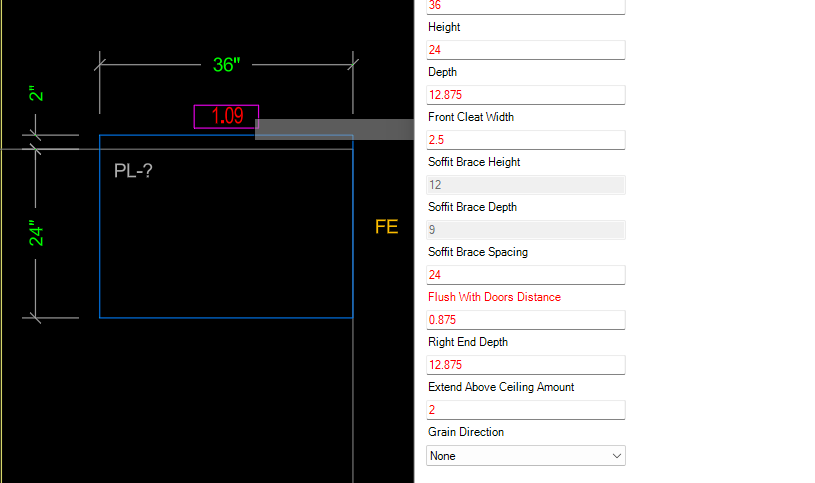
1. It would be nice if there was an option to do more of a full depth product (Upper Cabinet Depth) with separate bottom plate cleating and blocking. This allows the front bottom plate behind the face panel to be finished while the rear can be a raw material. In our case we created return end cleats to handle finished ends if needed. We chose "cleating" vs full bottom plate to reduce weight and make soffits easier to handle and install.
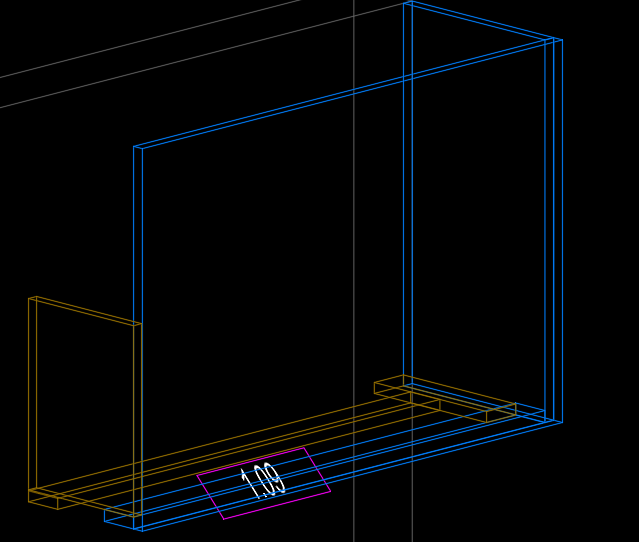
2. There should be an option for a Finished / Unfinished bottom as well as. When building a soffit that spans an opening between cabinets or is set to be "Flush with Doors" the bottom plate becomes visible and needs to be finished accordingly. In our case we use the "cleating" construction when possible and only go to the full bottom plate when spanning and opening.
3. Something that we did in the component library was change how the soffit product was inserted onto a wall. Instead of being at the very top left like an Upper cabinet we moved the insertion point to the Bottom Left. This allowed the use of the "Height_Above_Floor" just like the Upper Cabinets and then always have a consistent insertion point as ceiling heights vary. This was us trying to move as much to the Wizard and Global control as possible.
4. In the Advanced Construction Options there is an option to change the product type to Base/Tall/Upper. While changing this does then change the depth of the product based on the global cabinet type depth; if you use the Tall Cabinet option, it then ignored the "Height_Above_Floor" that you need to place the soffit on top of a tall cabinet properly and put it directly on the floor.
I would propose that we consider a set of radio buttons on the main tab that would allow us to toggle the desired cabinet depth type we are looking for. This solves a problem while also no needing to check and open the Advanced Construction Options.
A. Upper_Depth
B. Tall_Depth
5. It would be nice if there were some options for the top of the soffit were it meets or go through the ceiling.
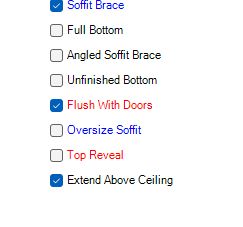
A. Top reveal w/ cleating behind. This happen for us often we are putting in new cabinets in a remodel. The soffits need to go to the ceiling and the reveal give some play and adjustment as needed.
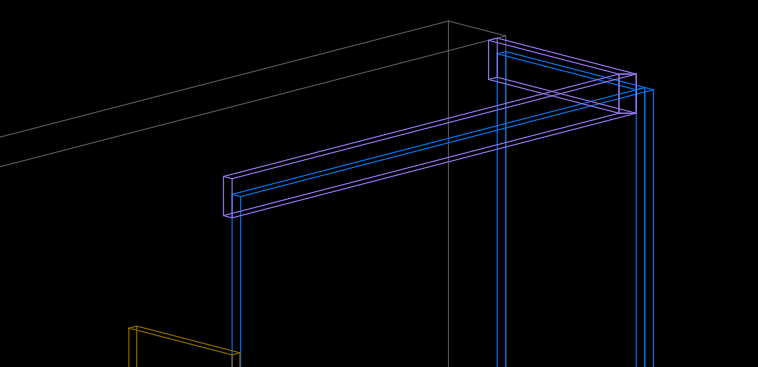
B. Extend Soffit Above Ceiling. In some new construction they can get the installed before the drop ceiling we have started extending them up 2"-3" past to allow the drop ceiling to be installed up against our cabinets. This works really well if they can wait to do the ceiling.