Route 3 Perfect Corner (COL22)
Hi everyone
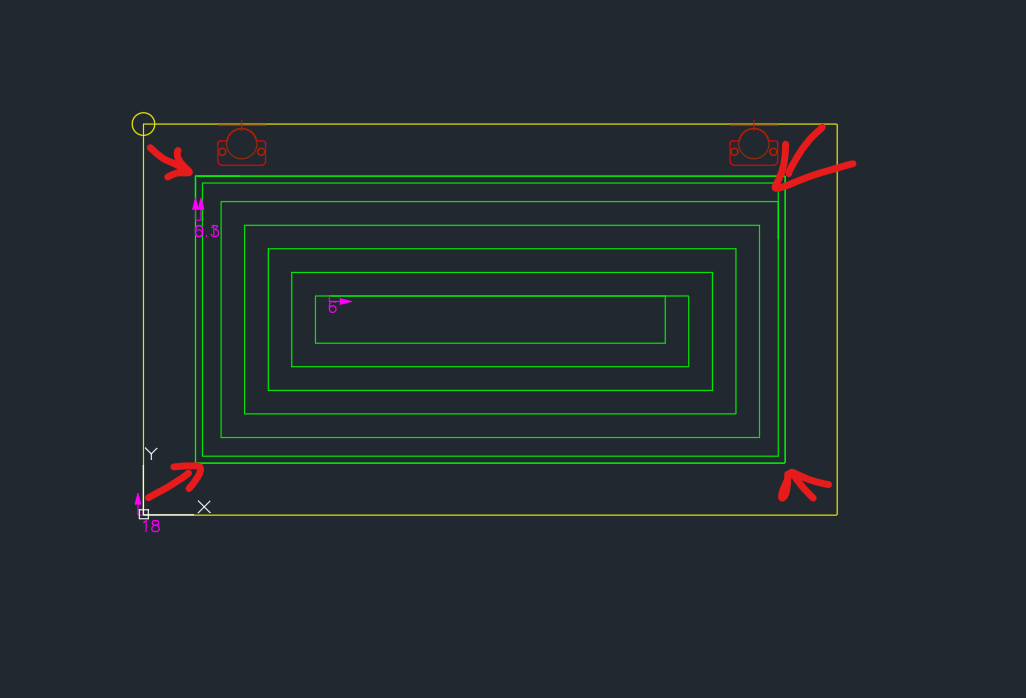
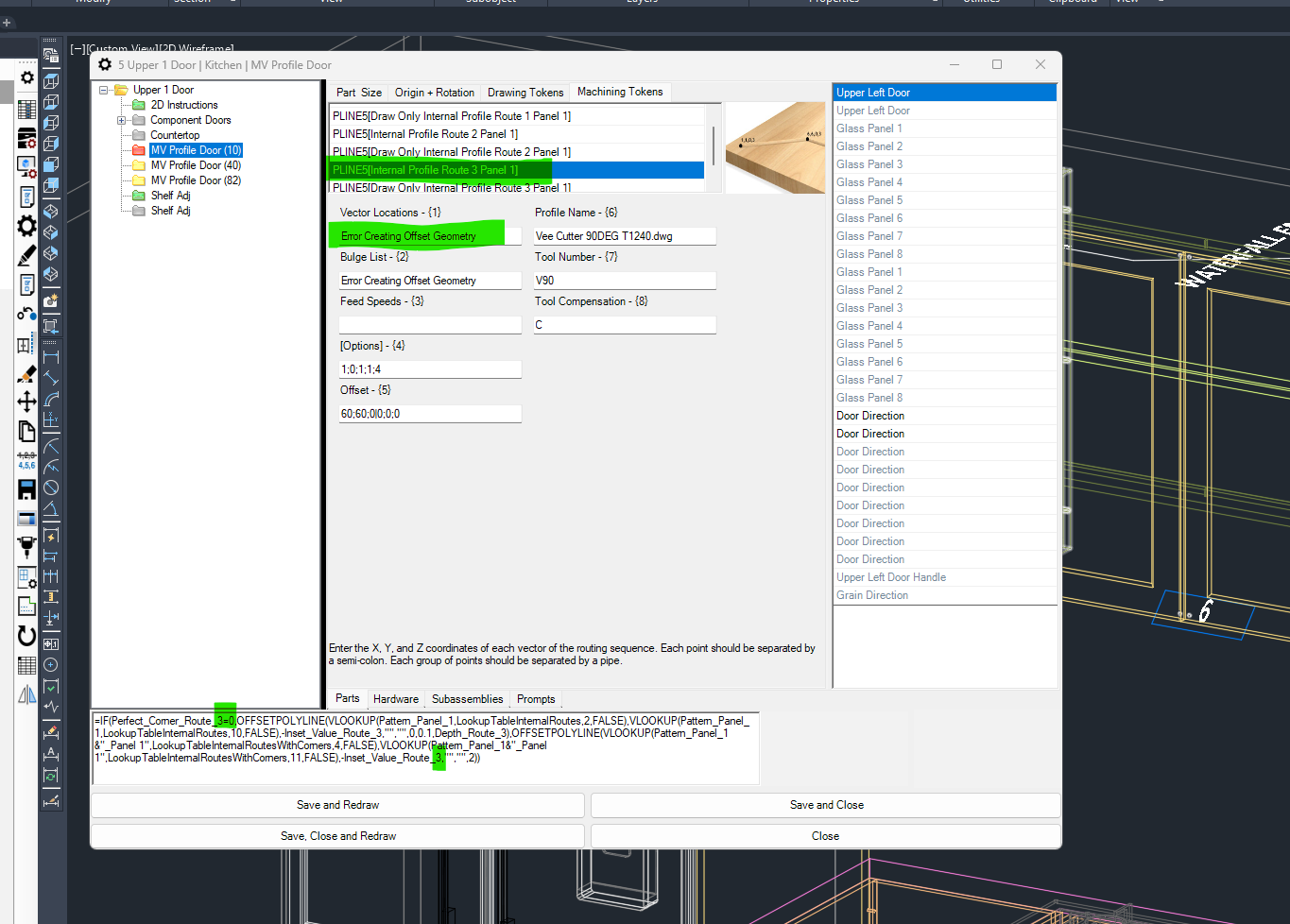
I'm having an issue with Route 3 - Internal Profile not generating correctly. I'm getting the error "Error Creating Offset Geometry" when trying to use the formula in the machining token. The highlighted green area in the formula is linked to the Perfect Corner Route 3 logic and seems to be causing the problem.
What I’ve found so far:
-
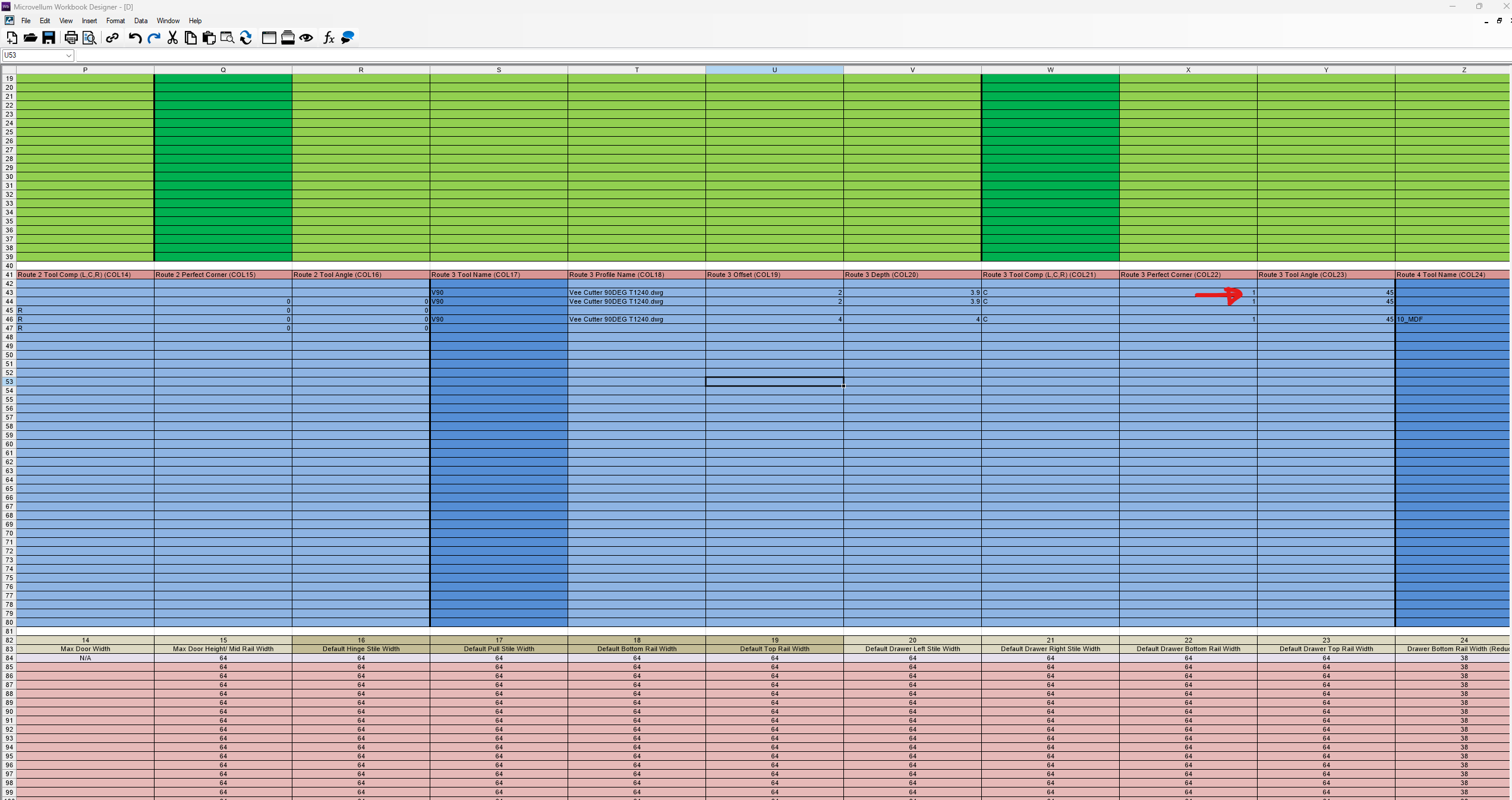
In the workbook, Route 3 Perfect Corner (COL22) is set to
1(TRUE) for this panel. -
When it’s set to 1, the
OFFSETTOPOLYLINEformula doesn’t work and gives an error. -
If I switch COL22 to
0, the formula works fine — but I lose the correct corner finish I need. -
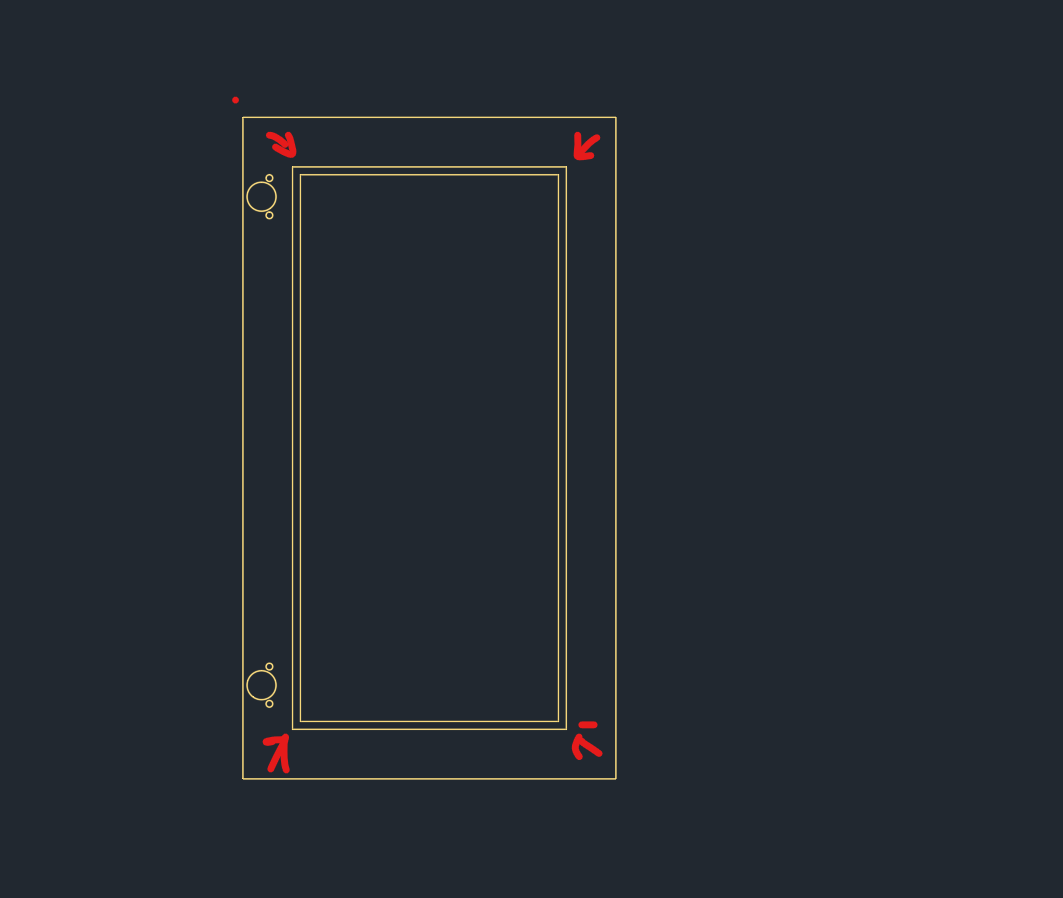
I believe the issue is caused by missing or invalid geometry when
Perfect_Corner_Route_3 = 1.
My question:
Do I need to create a specific 1-panel shape in PART PROPERTIES or apply a special configuration to Route 3 to make this work with Perfect Corner = 1?