Shadow Line Rail Makes Top Disappear
@Lenny Scianna @Latisha Dauby
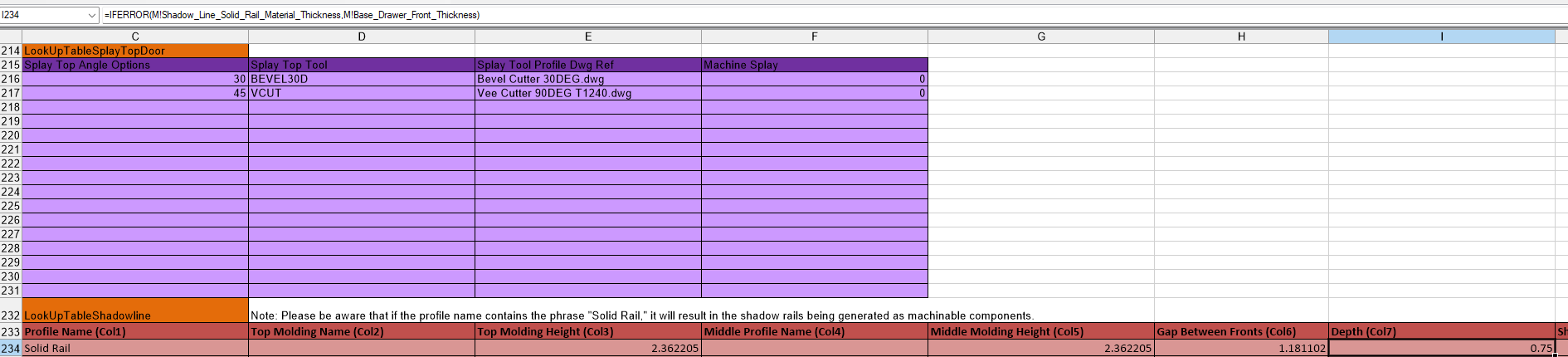
I have found that if the Shadow_Line_Solid_Rail_Material pointer isn't set you will get a #value error because it is looking at the thickness of that pointer. This also means that if you change the material in the sub assembly or in the parent prompt the material thickness will be wrong. The issue comes from the look up in the D! workbook. The depth formula is looking at Shadow_Line_Solid_Rail_Material_Thickness instead of actually looking for the thickness of the material that could be set in the prompts.