SMA Parts - Adding Machining
Hello!
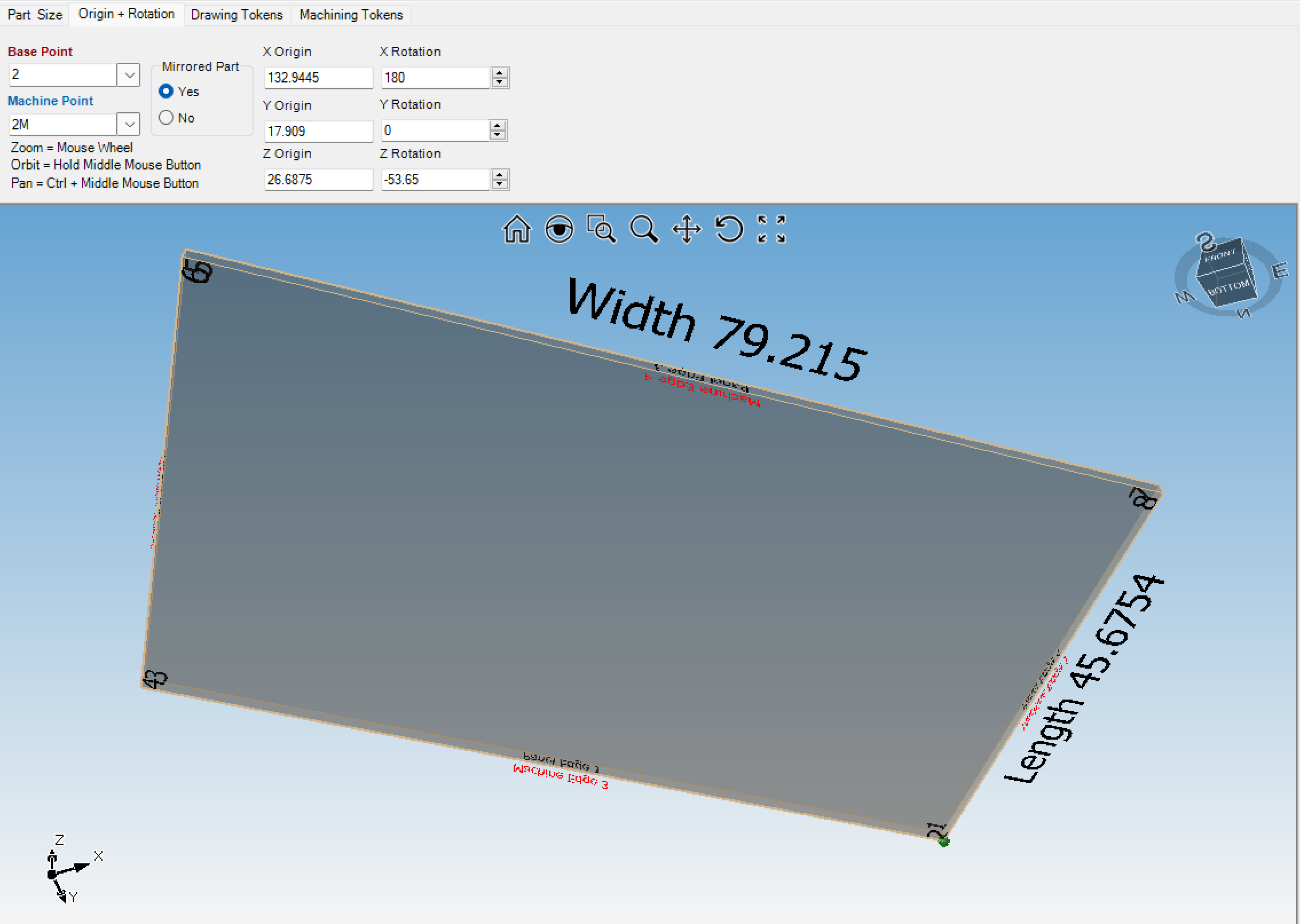
I have added a bunch of parts into a Project and need to add machining on certain surfaces. I have done this in the past to a limited extent but what is the best way to determine what face of the part I am working with?
For Example: If I copy the machining token variables from one cabinet and try to apply these generic settings to another junction of two parts how do I know what faces I am working with? I can figure it out with trial and error but there has to be a better way.
With the 3D Viewer it doesn't show the cutout of the part, only the overall rectangular dimensions.
If need be I can make a ticket for this, we need to figure this out going forward.