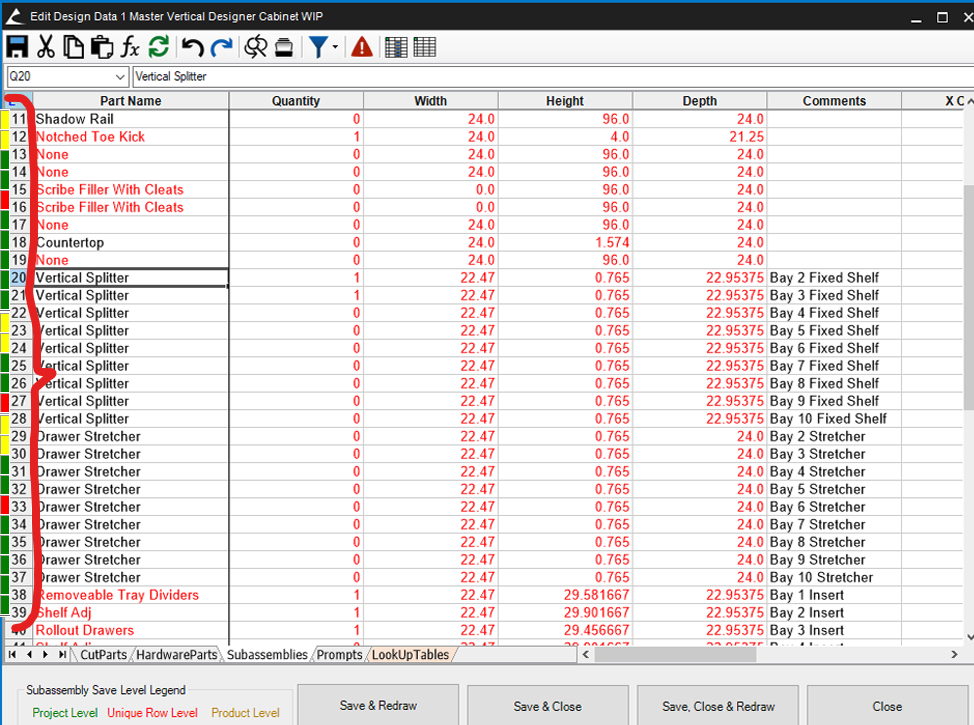
Subassemblies - Project/Product/Row Level Colors on Workbook Designer
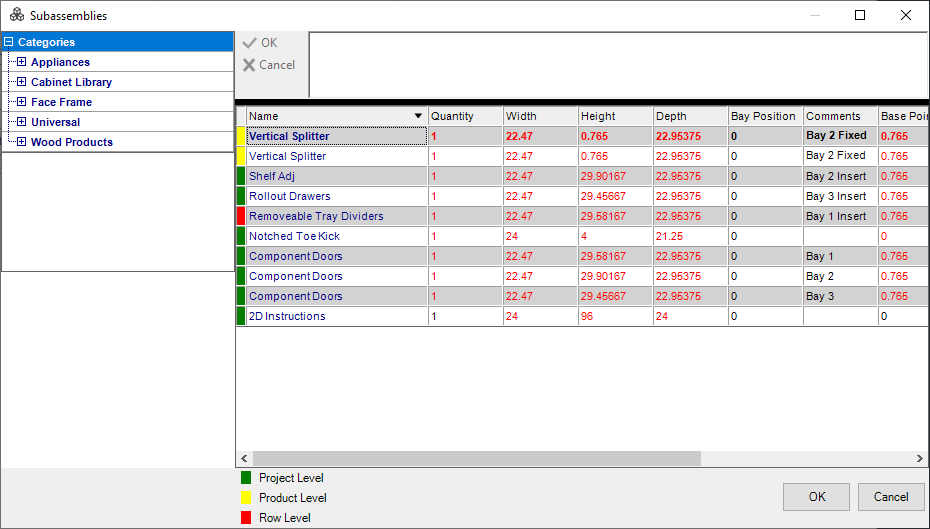
A nice feature of the Subassemblies menu are the green, yellow, and red color codes that let you know if the subassembly is unique or not.
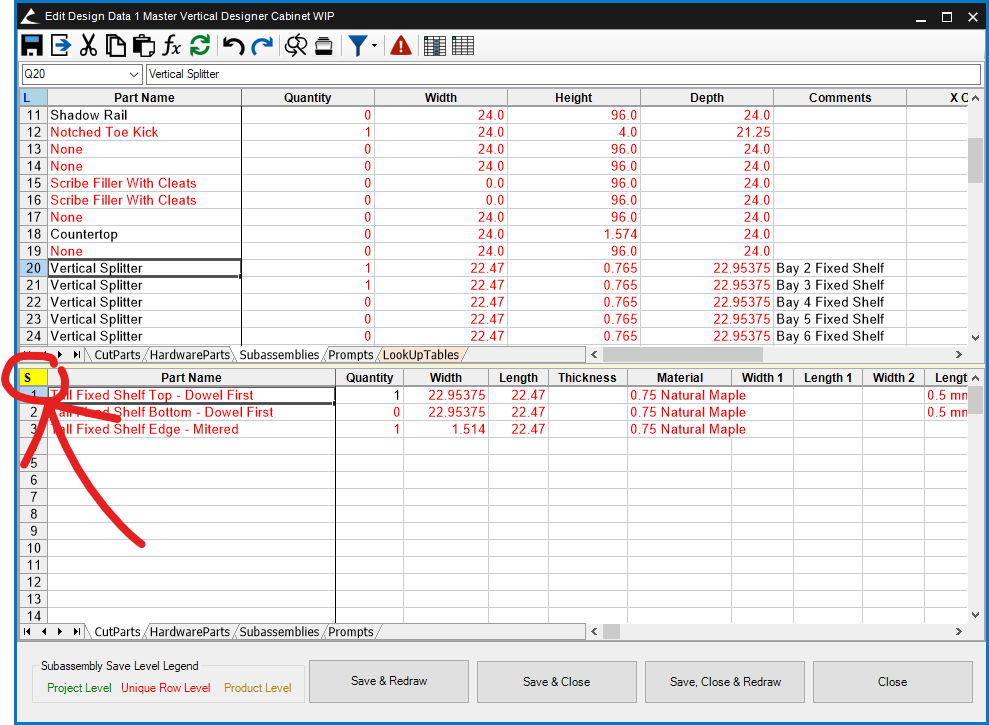
The work book designer has the same color code, BUT ONLY IF you are viewing the subassembly.
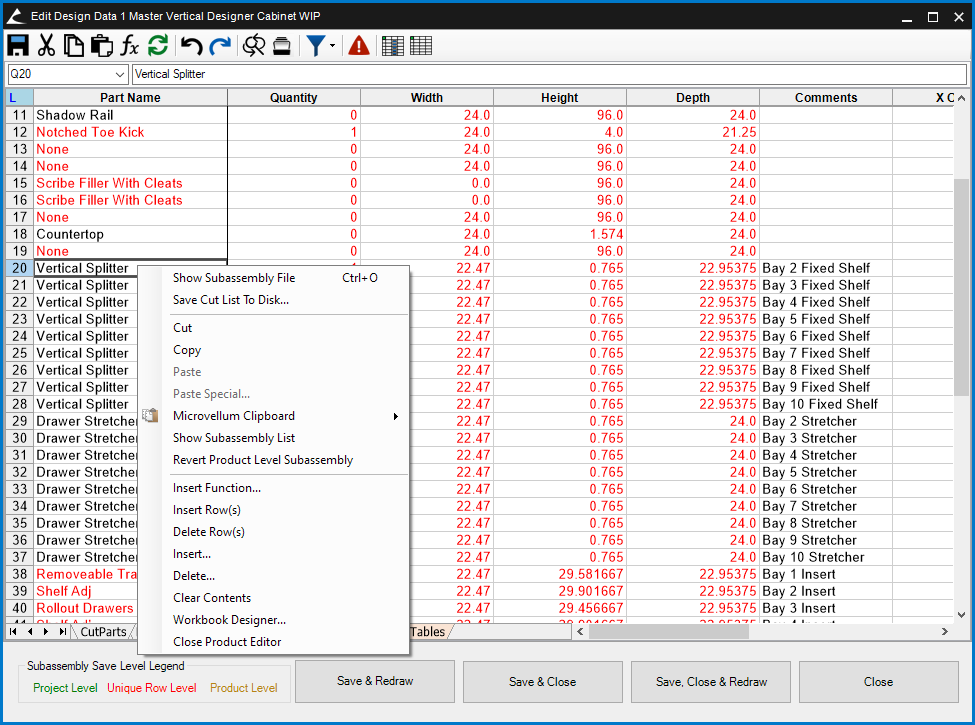
It would be nice however if this same color code could be applied to the main L! Workbook when viewing the subassemblies worksheet tab. Right now you can see all the subassemblies in the product buy you have no idea if any have been overwritten. You have to right click each on and see if it say revert unique, revert product, or revert project level subassembly.
It would be nice if instead we could have those indicators on the rows themselves with having to either A.) Open the subassembly file or B.) Right click to show the menu. I'm proposing the same look from the Subassemblies menu just integrated into the workbook designer like so.