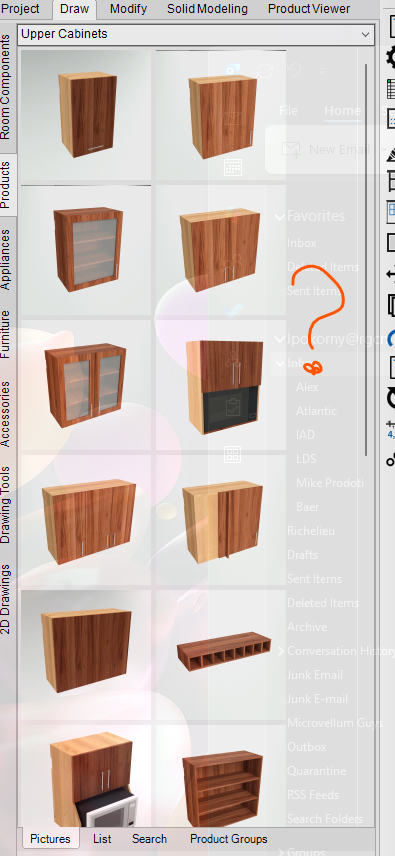
Where are the product pictures and how to add my own?
Hello,
I've created some new custom products for my team and would like to add images for each one. I assume I need to place the images in the same folder where the default MV product images are stored.
I checked the Graphics folder, but I couldn’t find the product images there—only other assets. Could you point me to the correct location or let me know how to properly add custom product pictures?
Any help would be greatly appreciated.
Thank you!