Microvellum Community

Product Warning Message Pop-Up Doesn't Expand Full Screen

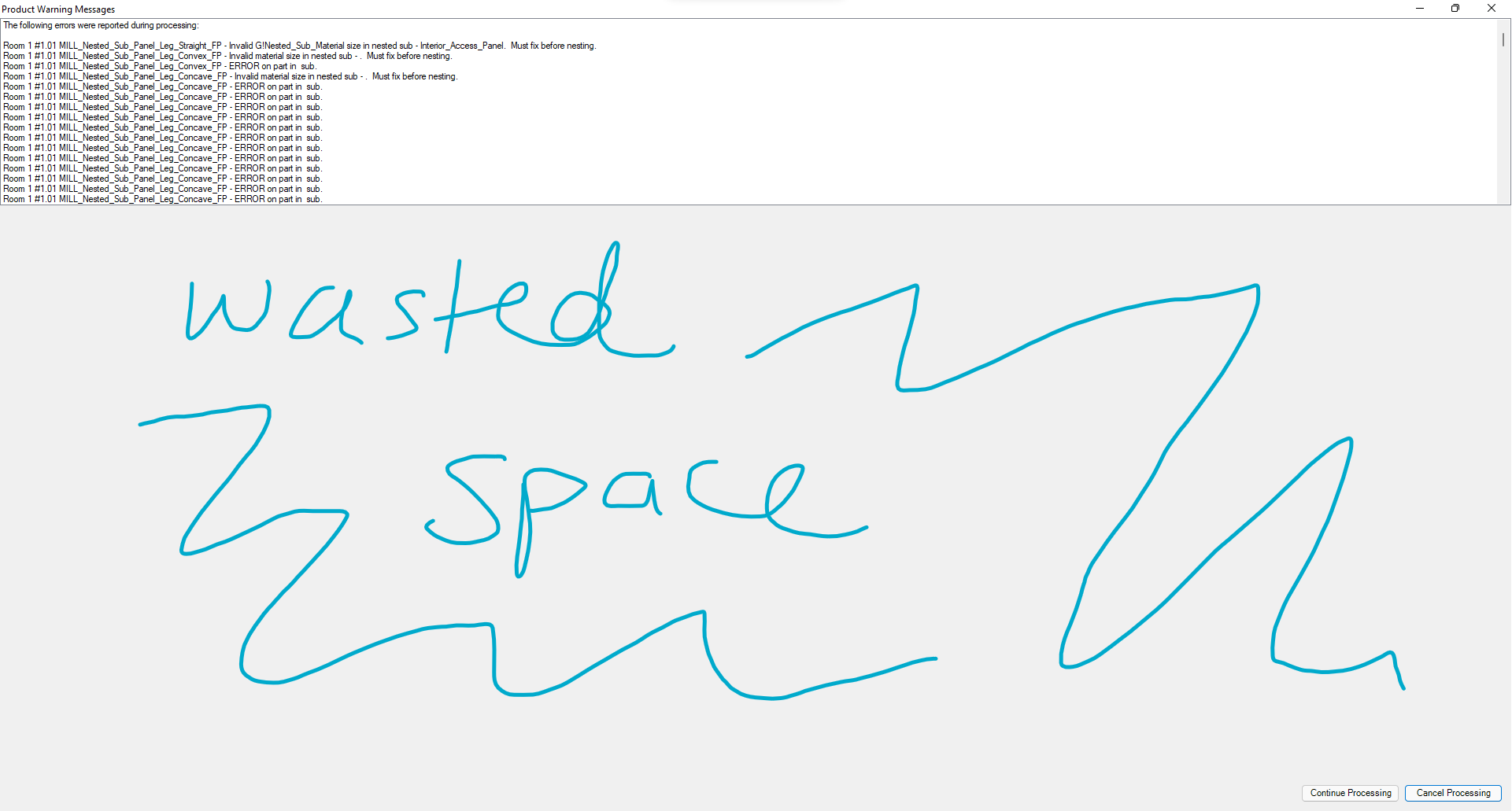
When creating a W.O., a pop-up sometimes comes up listing errors (Product Warning Messages).  The text is cut off horizontally, and height-wise, requires scrolling due to the small pop-up size.  I expanded the pop-up to be full screen, but the window inside the pop-up only expands horizontally, not vertically, which means I still have to scroll through the issues vertically and can't see them all at once.  This seems like a flaw.

    Toolbox BSB Survey


    Have you been using Toolbox BSB? We'd love to hear what you think!

    Take the Survey

      MVU eLearning


      Grow Your Knowledge
      Follow along with RJ as he takes you on a journey to build your foundational knowledge of Toolbox.


        Follow us on:


          ERP for Millwork Shops


          Discover how Microvellum and INNERGY streamline operations for cabinet shops and millwork manufacturers.